1
Corinex ADSL+ Gateway G Configuration
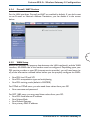
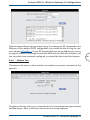
When the SNTP feature is enabled, your Gateway will start querying for the time
clock information from the primary SNTP server. If it fails to get a valid response
within the “timeout” period, it will try for “retry” number of times, before moving
to the Secondary SNTP server. If it fails to get a valid response from Secondary
STNP server within valid retry times, it starts querying Tertiary SNTP server. If it
fails to get a valid response from all the servers, then the program stops. When a
valid response is received from one of the server, the program sleeps for Polling
Interval amount of minutes, before starting the whole process again.
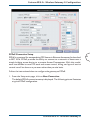
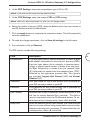
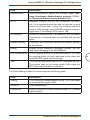
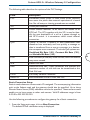
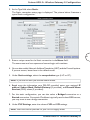
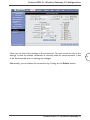
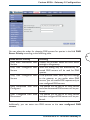
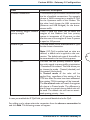
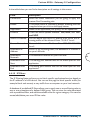
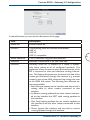
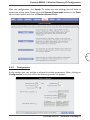
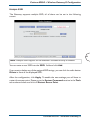
By default, SNTP is disabled. For enabling, check the Enable SNTP checkbox and
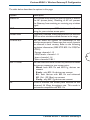
fill the boxes according to the following table:
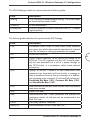
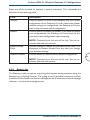
Field
Description
Primary SNTP
Server
The IP address or the host name of the primary SNTP
server.
Secondary SNTP
Server
The IP address or the host name of the secondary SNTP
server.
Tertiary SNTP
Server
The IP address or the host name of the tertiary SNTP
server.
Corinex ADSL2+ Wireless Gateway G
55