1
7.
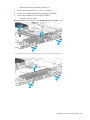
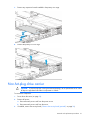
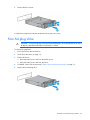
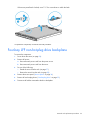
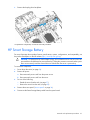
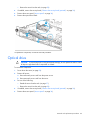
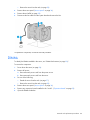
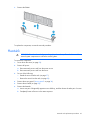
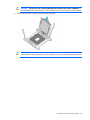
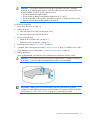
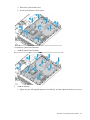
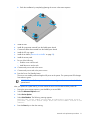
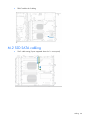
Remove the DIMM.
To replace the component, reverse the removal procedure.
Heatsink
WARNING: To reduce the risk of personal injury from hot surfaces, allow the drives and the
internal system components to cool before touching them.
To remove the component:
1.
Power down the server (on page 26).
2.
Remove all power:
a. Disconnect each power cord from the power source.
b. Disconnect each power cord from the server.
3.
Do one of the following:
o
Extend the server from the rack (on page 27).
o
Remove the server from the rack (on page 28).
4.
Remove the access panel ("Access panel" on page 34).
5.
Remove the air baffle (on page 28).
6.
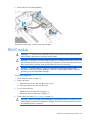
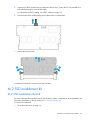
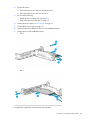
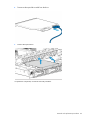
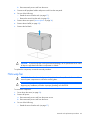
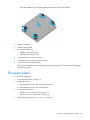
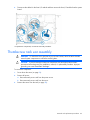
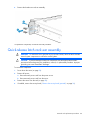
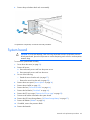
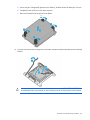
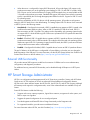
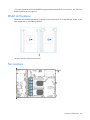
Remove the heatsink:
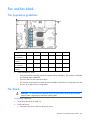
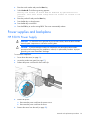
a. Loosen one pair of diagonally opposite screws halfway, and then loosen the other pair of screws.
b. Completely loosen all screws in the same sequence.
Removal and replacement procedures
47