1
Just as MS-DOS commands usually look at the “current” disk
drive, they also look at the current directory. Since you can
change the current, “logged” disk drive, you would expect to
be able to change the current, loggeddirectory. You can, using
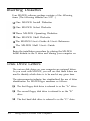
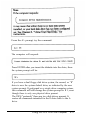
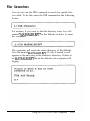
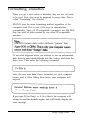
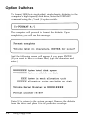
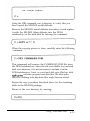
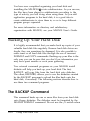
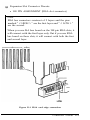
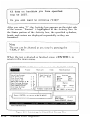
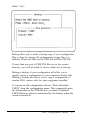
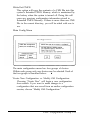
the CD (CHDIR) command. Enter the command series:
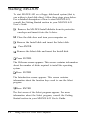
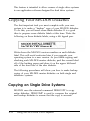
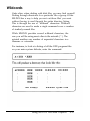
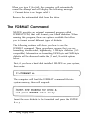
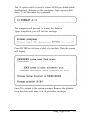
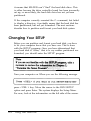
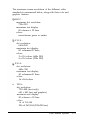
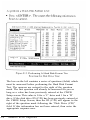
The directory listing displayed should look like this:
You have just moved to the DOS4 subdirectory. The two
< DIR > entries indicate that you are currently logged onto a
disk subdirectory. The period (.) entry represents the current
directory, while the double period (..) entry represents the
parent directory for the current subdirectory. These shorthand
entries allow you to move up and down through a directory
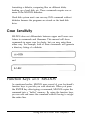
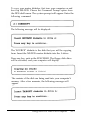
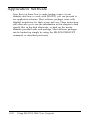
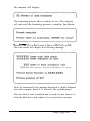
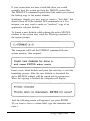
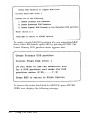
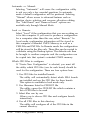
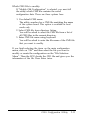
tree rapidly. To see how these shortcuts work, enter the
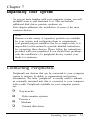
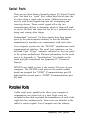
command series:
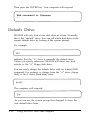
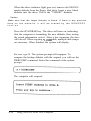
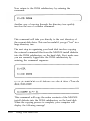
You will see that you are back in the hard disk root directory.
Using Your Hard Disk
6-13