1
STARTER MODE l CALL & MESSAGES
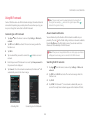
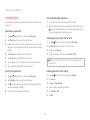
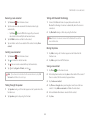
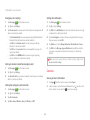
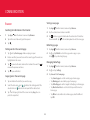
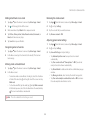
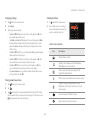
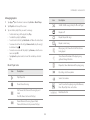
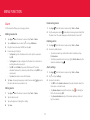
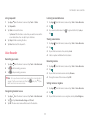
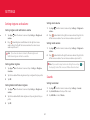
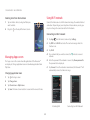
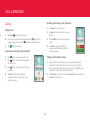
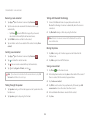
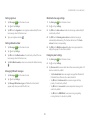
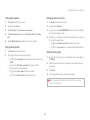
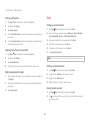
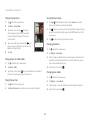
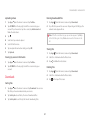
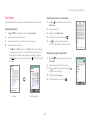
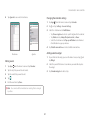
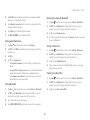
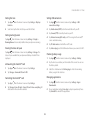
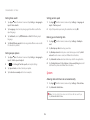
Sending my location to the caller
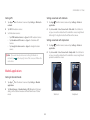
1
Tap Send Location after a call has ended.
2
Tap Yes. Your current location information on the Google Maps will be
sent to the caller.
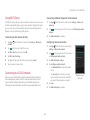
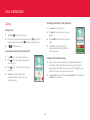
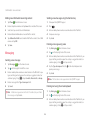
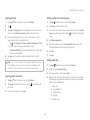
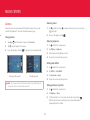
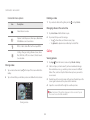
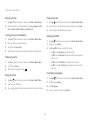
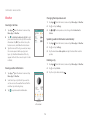
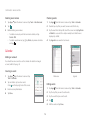
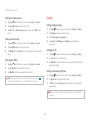
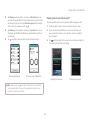
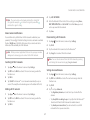
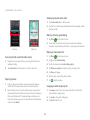
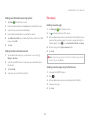
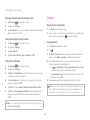
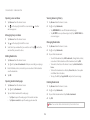
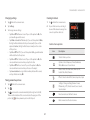
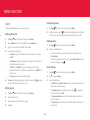
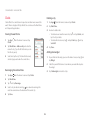
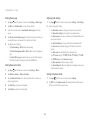
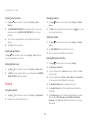
Making a call using speed dialing
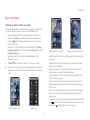
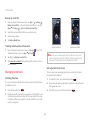
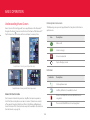
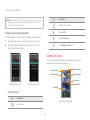
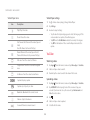
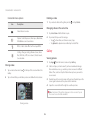
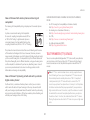
Status bar
1
Tap Phone
2
T ap and hold a number to which you have assigned a telephone
number as a speed dial entry. Note that 1 is pre-assigned as Voicemail.
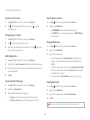
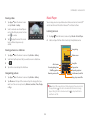
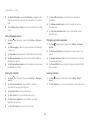
Call screen
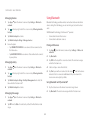
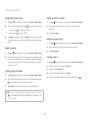
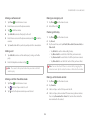
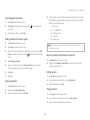
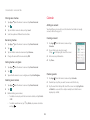
Making an international call
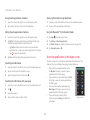
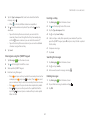
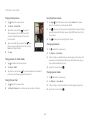
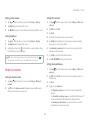
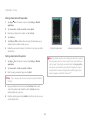
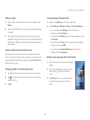
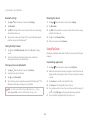
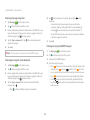
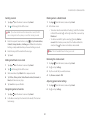
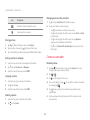
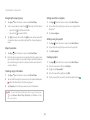
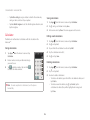
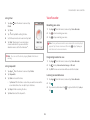
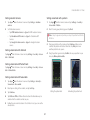
Accessing the call screen from other screen
1
rag the status bar down while you are using other functions in
D
addition to calling.
2
Tap Current call in the status bar to access the call screen.
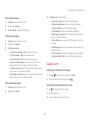
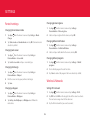
1
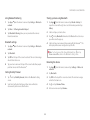
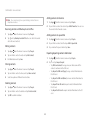
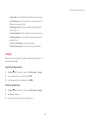
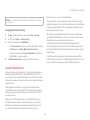
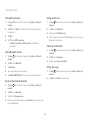
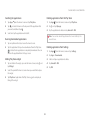
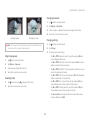
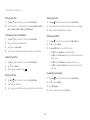
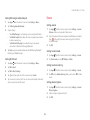
Adjusting volume
1
uring a call, press the volume up key to increase the earpiece
D
volume. Press the volume down key to decrease the volume.
2
F rom the Home Screen, press the volume key up to increase the
ringer volume. Press the volume key down to decrease the volume.
If you want the MarauderTM to make vibrations when there is an
incoming call or message, you can also pull down the notifications
curtain and tap Vibrate.
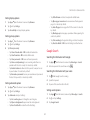
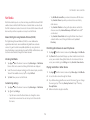
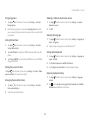
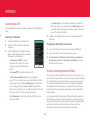
from the Home Screen.
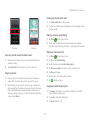
2
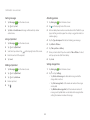
Tap Phone
from the Home Screen.
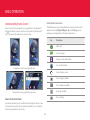
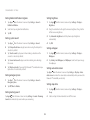
Tap B and tap Assisted dialing.
3
Tap the checkbox next to Assisted dialing status.
4
Tap Reference country and tap the country you want to call.
5
Tap Done and tap C.
6
Enter the area code and the phone number.
7
Tap
to dial the number.
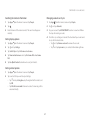
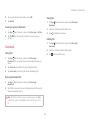
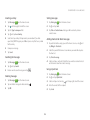
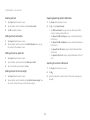
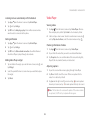
Swapping a call for multiparty call
37
1
Tap Answer when there is an incoming call while on call. The first
party will hear a waiting sound.
2
Tap Send to change the calling party.
3
Tap End to finish the call.