1
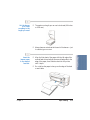
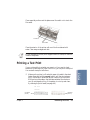
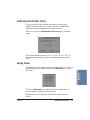
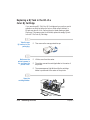
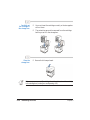
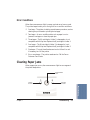
Cut the banner
at a crease
according to the
length you need.
❍ The maximum length you can use is six sheets (66 inches
or 1676 mm).
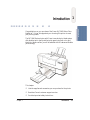
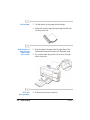
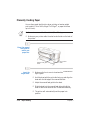
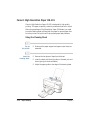
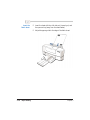
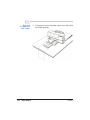
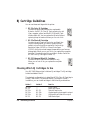
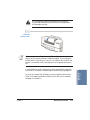
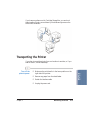
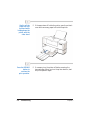
Insert the
banner paper
in the manual
feed slot.
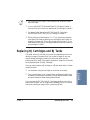
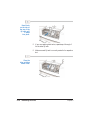
❍ Align the first sheet of the paper with the left edge of the
manual feed slot and adjust the manual feed guide to the
edge of the paper; then slide the sheet into the printer
until it stops.
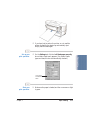
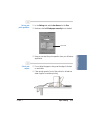
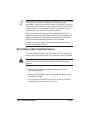
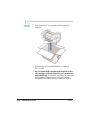
❍ Do not allow the paper to hang over the edge of the desk
or work table.
Chapter 3
Paper Handling
3-21
Paper Handling
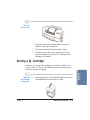
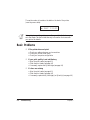
❍ Always leave an extra sheet at the end of the banner—just
in case the type runs over.