1
Image Quality
The COOLPIX 900 uses JPEG compression to reduce the
amount of memory required to store photographs. When
image data are JPEG-compressed, some details are lost. The
more a photograph is compressed, the more noticeable this
loss of detail will be. The COOLPIX 900 allows the user to
control the trade-off between reduced memory requirements
and loss of detail by choosing from among three image quality
settings: “Fine,” “Normal,” and “Basic.”
Photographs stored at an image quality of “Basic” require only
one quarter the memory needed for photographs recorded at
an image quality of “Fine” but show a correspondingly greater
loss of detail. “Normal,” the default setting, saves a substantial
amount of memory with little loss of detail. Choose an image
quality setting for each photograph according to the subject and
the amount of memory available.
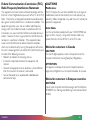
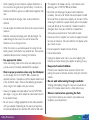
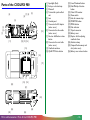
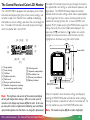
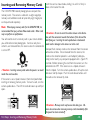
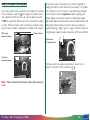
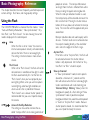
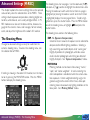
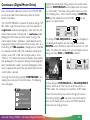
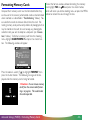
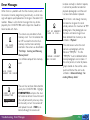
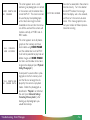
The current image quality setting is shown in the control panel
display and, if set to display camera settings, the color LCD
monitor. To change the image quality setting, press the QUALITY button to cycle through the image quality settings in the
order “Normal,” “Fine,” and “Basic.”
The exposure count will change to show the number of exposures remaining at the new setting.
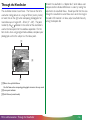
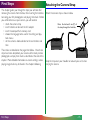
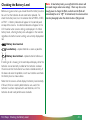
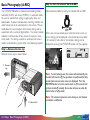
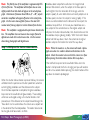
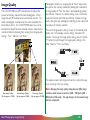
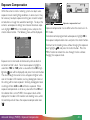
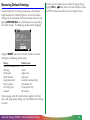
Basic Image Quality
(file size approx. 175KB)
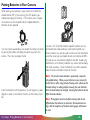
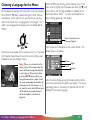
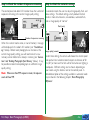
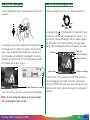
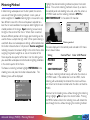
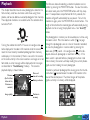
Normal Image Quality
(file size approx. 350KB)
Basic Photography: Image Quality
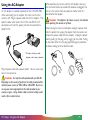
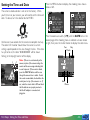
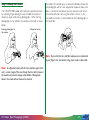
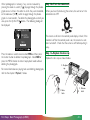
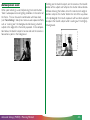
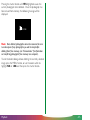
Fine Image Quality
(file size approx. 750KB)
Note: Changing the image quality setting does not affect image
resolution, which remains a constant 1,280 × 960 pixels (640 ×
480 pixels in VGA mode). The only change is in the amount image
data are compressed.
- 38 -