1
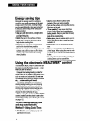
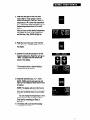
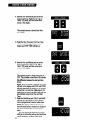
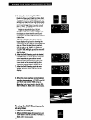
7. When the baking/roasting time is
completed, the oven will turn off automatically, beep four times and “End” will show
in the display. You will also hear four
1 -second tones every minute until you
push the Off/Cancel pad.
NOTE: To disable reminder tones, push
and hold the Cook Time pad for 4 seconds. To reactivate tones, repeat this
procedure.
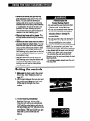
To cancel the MEALTIMERm control
setting:
l Push the Off/Cancel
pad to return the
display to the time of day.
Method
2-Using
Stop
Time:
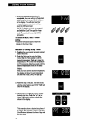
1. Position the oven rack(s) properly and put
food in the oven.
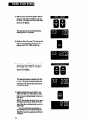
2. Push the Bake pad to enter the Bake
mode. Use the Temp pad(s) to set the
desired temperature. Push A to raise the
temperature or V to lower the temperature
in 5°F increments. Use these pads until the
desired temperature shows in the small
display.
After you have set the desired temperature,
the display will show the set temperature
and the time of day. BAKE will light up.
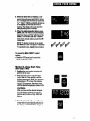
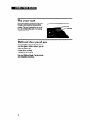
3. Push the Stop Time pad. The time of day
with the colon flashing and STOP TIME will
show in the display.
4. Use the Hour and Minute pads to set the
desired stop time. Push the “up” (A) or
“down” (V) pad(s) until the correct time
shows in the display.
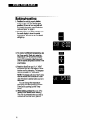
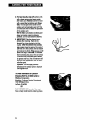
RR
This example shows a desired stop time of
2 o’clock. This provides a 2-hour cook time
(the difference between the time of day and
the stop time).
20