1
USING THE CHANNEL LIST
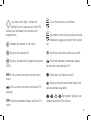
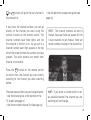
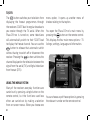
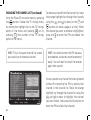
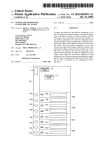
You can display the channel list by pressing the
button on the remote control. This lists the
channels on the left-hand side of the screen,
in number order, with the current channel (as
shown in the window on the right-hand side of
the screen) highlighted with an orange bar.
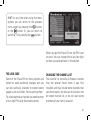
Or you can return to the channel that you
were watching before using the channel list by
pressing the
button.
HINT: You can move through the channel
list more quickly by using the
and
buttons, which move the orange highlight
bar through the list one page (11 channels)
at a time.
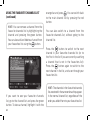
Use the
and
buttons on the remote
control to move the orange bar up or down
through the channel list to highlight the channel
to close the
you want to watch. Then press
channel list.
23