1
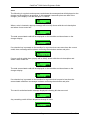
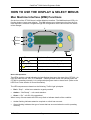
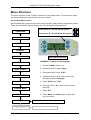
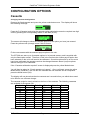
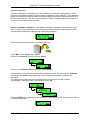
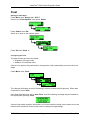
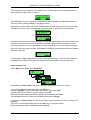
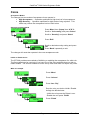
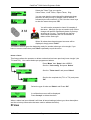
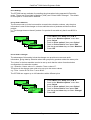
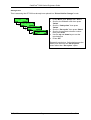
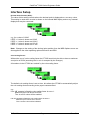
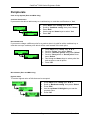
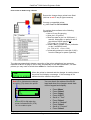
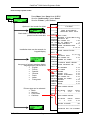
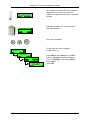
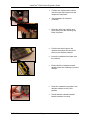
CashFlow 7000 Series Engineers Guide Cassette Calibration Cassette calibration is necessary if you are creating your own tube configuration or there has been a significant variation in the operating temperature of the changer. The calibration makes sure that the acoustics module recognises the tube and base options fitted into all of the five tube positions. This will ensure that the CF7000 accurately keeps track of the coin counts for all the tubes in the cassette. How do I calibrate a cassette? If the display indicates a cassette is un-calibrated or you want to improve the performance of the coin level sensing system by calibrating the exact cassette that is fitted to the changer then follow this procedure. Remove the cassette and check it is empty then refit it. Press ‘Menu’ then ‘Setup’ then ‘A’’B’’C’ Scroll to the “General” menu then press ‘Select’ Scroll to the "Calibrate tubes" menu then press ‘Select’. It will prompt you to check the corresponding cassette is fitted, if it is then press ‘Calibrate’, otherwise press ‘Back’ and program the correct cassette code before restarting this procedure. The changer will check each tube at least twice so there will be at least 10 clicks. It will display a message when it has finished, press ‘OK’. Press the ‘Back’ key repeatedly to exit the menu, the main screen will now be shown with no un-calibrated warning. MEI, 2004 Page 31 Rev: G1