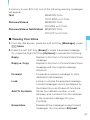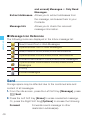
1
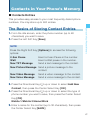
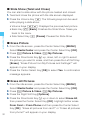
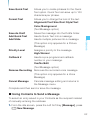
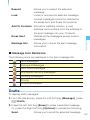
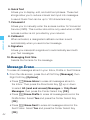
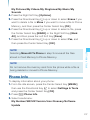
New Contact/Erase/New TXT Message/New Picture
Message/New Video Message/New Voice Message/Set
As ICE Contact (Unassigned ICE contact)/Call/Erase All
Contacts/Send Name Card
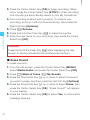
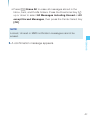
• Press the Left Soft Key [Edit] to edit the entry.
• Press the Center Select Key [VIEW] to view the contact
information.
CONTACTS
Groups
118
Groups allows you to classify phone entries into groups with up to
10 numbers in each group.
To view your grouped Contacts, add a new group, change the
name of a group, delete a group, or send a message to everyone
in the selected group:
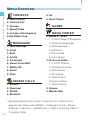
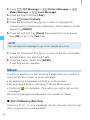
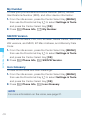
1. From the idle screen, press the Center Select Key [MENU],
then use the Directional Key a to select Contacts and press
the Center Select Key [OK].
2. Press 3 Groups.
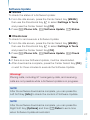
3. Press the Directional Key j up or down to scroll through your
Groups list. You can select from the following options:
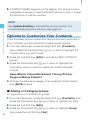
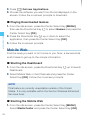
• Press the Left Soft Key [New] to add a new group to the list.
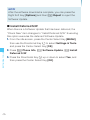
• Press the Directional Key j up or down to highlight a group
then press the Right Soft Key [Options] to select from the
following:
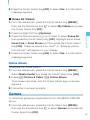
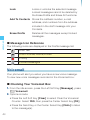
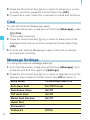
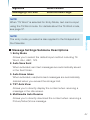
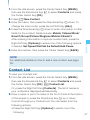
New TXT Message/New Picture Message/New Video
Message/New Voice Message/Rename/Erase/Add
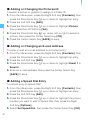
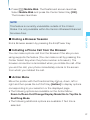
• Press the Center Select Key [VIEW] to view the Groups
information.