1
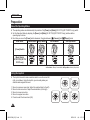
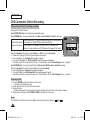
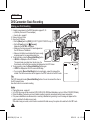
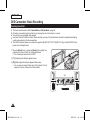
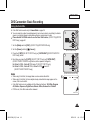
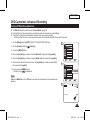
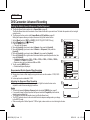
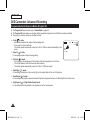
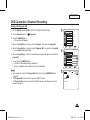
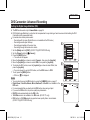
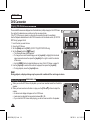
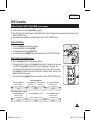
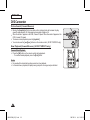
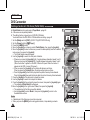
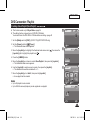
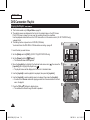
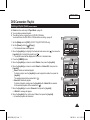
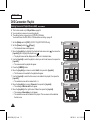
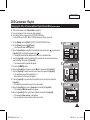
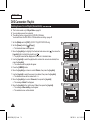
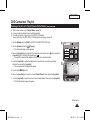
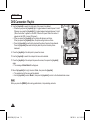
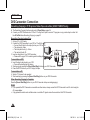
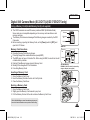
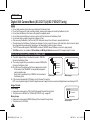
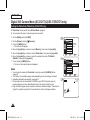
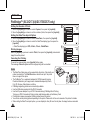
ENGLISH DVD Camcorder Picture Search (Forward/Reverse) Moving the [Joystick] left/right once while a disc is playing back will increase the play speed to approximately X2, and pressing twice plays at approx x16. When the number 1 appears on the OSD, it means X2 speed. When the number 2 appears on the OSD, it means X16 speed. To resume normal playback, press the [Joystick]. You can also use the []/[] buttons on the remote control. (SC-DC175/DC575 only) Slow Playback (Forward/Reverse) (SC-DC175/DC575 only) Forward Slow Playback Press the [|] button on the remote control during playback. - To resume normal playback, press the [] button. Notes No sound will be heard during picture search or slow playback. In forward slow or playback, a rapidly moving subject in an image may be distorted. 66 AD68-01230A_US_R2.indb 66 2007-03-14 ソタタ・10:00:13