1
WLBARGS Manual
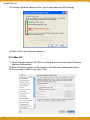
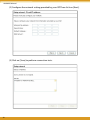
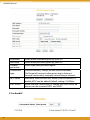
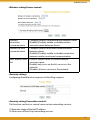
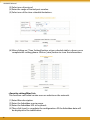
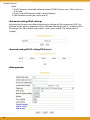
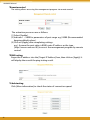
(5) Recommended to keep default values of [DTIM] and [Preamble Mode].
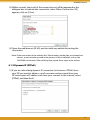
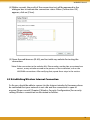
(6) Save your settings by [Apply].
(7) Parameters can be output by [Output Info.]
5.2 WPA Setting
WPA is encrypted by a periodic update, making it more difficult to be hacked. Home users
and company users are recommended to use <WPA-PSK> and <WPA-EAP> respectively.
<WPA-PSK>
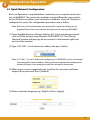
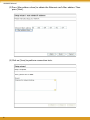
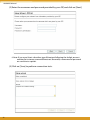
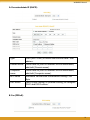
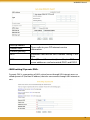
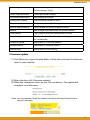
(1) Select [WPA2-PSK] or [WPA/WPA2-PSK] in the column of [Authentication]
(Recommended).
a. [WPA2-PSK]: The 2nd generation encryption technology performs stricter
protection than ever. Before selection, please check the function availability of your network adapter, or select b.
b. [WPA/WPA2-PSK]: If selected, encryption type will be defined automatically according to the corresponding wireless network adapter.
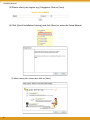
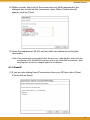
(2) Select [Cipher Type]. (Recommended to keep the default.)
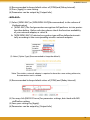
*Note: The wireless network adapter is required to have the same setting; otherwise,
the connection will fail.
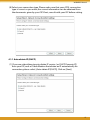
(3) After selecting [WPA shared key], key in the Pre-Shared-Key in connection
with the communication device in the below column. Please enter 8~63
alphabets or numbers.
* Note: The password of the device in connection with the product must be the same;
otherwise, the connection doesn’t work out.
28