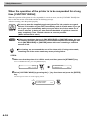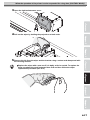
1
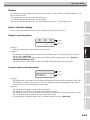
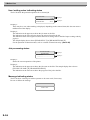
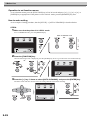
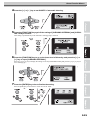
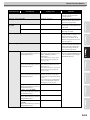
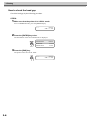
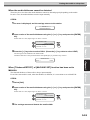
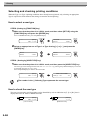
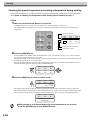
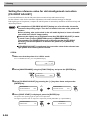
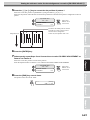
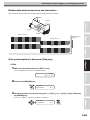
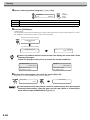
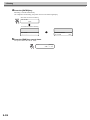
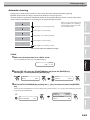
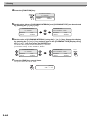
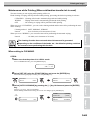
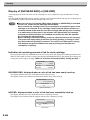
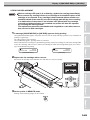
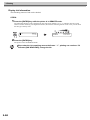
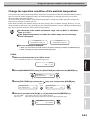
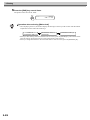
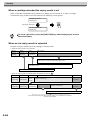
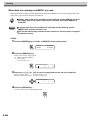
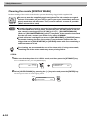
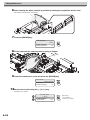
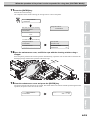
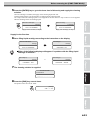
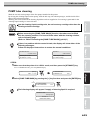
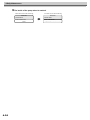
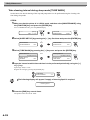
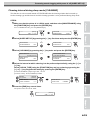
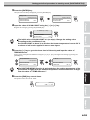
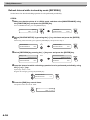
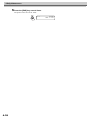
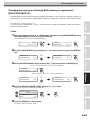
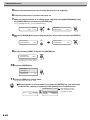
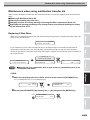
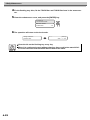
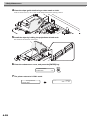
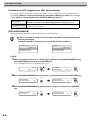
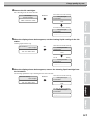
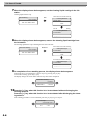
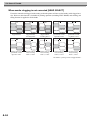
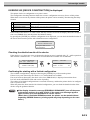
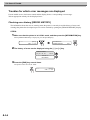
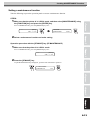
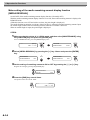
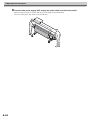
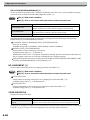
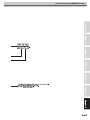
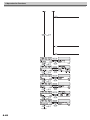
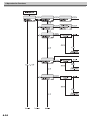
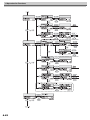
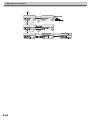
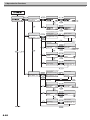
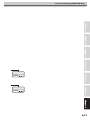
3 Printing 4 Press the [FUNCTION] key. CLEANING INTERVAL 10 - 30000mm INTERVAL : TYPE 1000mm : NORMAL 5 At this point, either of [CLEANING INTERVAL] and [CLEANING TYPE] can be selected by pressing the [] or [] key. CLEANING INTERVAL CLEANING TYPE 10 - 30000mm SOFT / NORMAL / HARD INTERVAL : TYPE INTERVAL : TYPE 1000mm : NORMAL 1000mm : NORMAL 6 Set the value of [CLEANING INTERVAL] using the [] or [] key. Change the display by pressing the [] or [] key, select a type on the [CLEANING TYPE] display using the [] or [] key, and press the [ENTER] key. The initial value of [CLEANING INTERVAL] is 1000 mm. [CLEANING TYPE] : SOFT, NORMAL, HARD CLEANING INTERVAL SOFT / NORMAL / HARD INTERVAL : TYPE INTERVAL : TYPE 1000mm : NORMAL 1000mm : NORMAL 7 Press the [END] key several times. The printer returns to LOCAL mode. L. ∗ > [JV5-01] width : ∗∗∗∗ mm 3-44 Twice CLEANING TYPE 10 - 30000mm