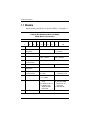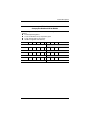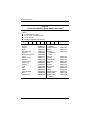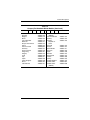
1
Removal and Replacement Procedures
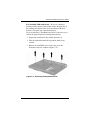
Evo Notebook N400c models only—If you are removing a
pointing stick keyboard, you must first remove the palm rest so
the pointing stick button cable can be disconnected. Refer to
Section 5.5 for palm rest removal instructions.
If you are removing a TouchPad keyboard, it is not necessary to
remove the palm rest prior to removing the keyboard.
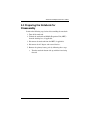
1. Prepare the notebook for disassembly (Section 5.3).
2. Turn the notebook bottom side up with the front facing
forward.
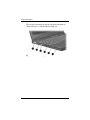
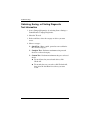
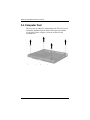
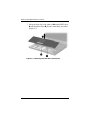
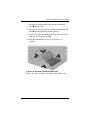
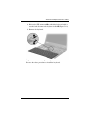
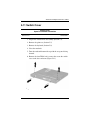
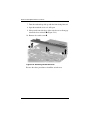
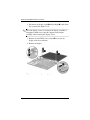
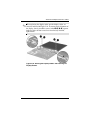
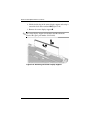
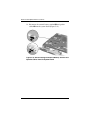
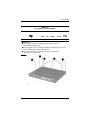
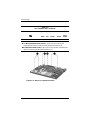
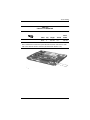
3. Remove the four TM2.0 × 6.0 screws that secure the
keyboard to the base enclosure (Figure 5-17).
Figure 5-17. Removing the Keyboard Screws
Maintenance and Service Guide
5–23