1
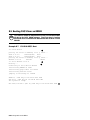
8.15 Booting the Standalone Backup
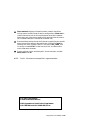
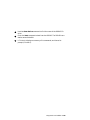
After you have booted the standalone backup using the RRD42 CD
drive or the InfoServer on the Ethernet, the OpenVMS operating
system banner appears.
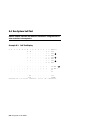
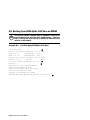
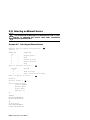
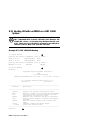
Example 8-13
Booting OpenVMS Alpha AXP on a DEC 10000 System
with an RRD42
>>> boot dka0 1
OpenVMS Alpha AXP Version V5.5-2 Major Version id = 1 Minor
Version ID = 1 2
PLEASE ENTER DATE AND TIME (DD-MMM-YYY HH::MM) 14-APR-1992 14:40
Configuring devices... 3
Available device
DUA2
device type RF73
Available device
DUA3
device type RF73
Available device
DUC1
device type RA92
.
.
Enter "YES" when all needed devices are available.
%BACKUP-I-IDENT, Stand-alone BACKUP V5.5-2; the date\
is 14-APR-1992 14:40 4
$ 5
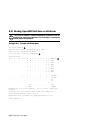
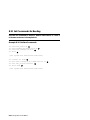
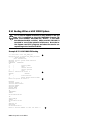
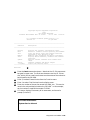
Example 8-14
Booting OpenVMS VAX on a VAX 10000 with an
InfoServer
>>> boot exa0 -file ISL_LVAX_BL10 6
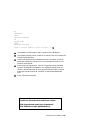
VAX/VMS Version V5.5-2 Major Version id = 1 Minor Version ID = 0
7
PLEASE ENTER DATE AND TIME (DD-MMM-YYY HH::MM) 14-APR-1992 14:40
Configuring devices... 8
Available device
DUA2
device type RF73
Available device
DUA3
device type RF73
Available device
DUC1
device type RA92
.
.
Enter "YES" when all needed devices are available.
%BACKUP-I-IDENT, Stand-alone BACKUP V5.5-2; the date\
is 14-APR-1992 14:40 9
$ 10
8-32 Diagnostics and Utilities