1
5
Sending Faxes
This chapter describes how to use your FAX-L250 to send
faxes.
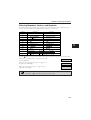
Preparing to Send a Fax ....................................... 5-3
Document Requirements ..............................................
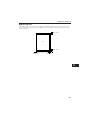
Scanning Area .........................................................
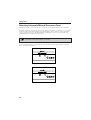
Selecting Automatic/Manual Document Feed .............
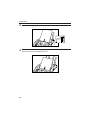
Loading Documents for Automatic Feed ...............
Loading Documents for Manual Feed ....................
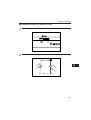
Setting the Resolution and Contrast ............................
Setting the Scanning Resolution ............................
Setting the Scanning Contrast ................................
Sending Methods ..........................................................
Manual Sending via the Handset ............................
Memory Sending .....................................................
Dialling Methods ...........................................................
5-3
5-5
5-6
5-7
5-11
5-13
5-13
5-14
5-15
5-15
5-15
5-15
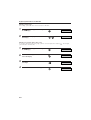
Sending Documents ............................................. 5-16
Manual Sending via the Handset ................................. 5-16
Memory Sending ........................................................... 5-18
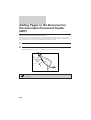
Adding Pages to the Document in the
Automatic Document Feeder (ADF) .............. 5-20
Cancelling Sending ............................................... 5-21
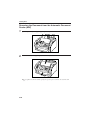
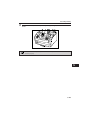
Removing the Document from the Automatic
Document Feeder (ADF) .......................................... 5-22
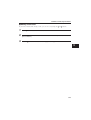
Redialling ............................................................... 5-24
Manual Redialling ..........................................................
Automatic Redialling with Memory Sending ................
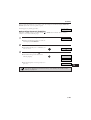
Cancelling Automatic Redialling .............................
Setting Up Automatic Redialling .............................
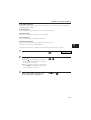
5-24
5-24
5-25
5-26