1
102
Verizon One User Guide
19. Touch-Screen Features
19.14.1.2 Manage Call Forwarding
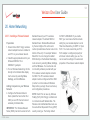
Destinations
(Phone Numbers)
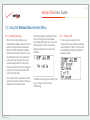
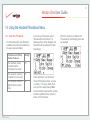
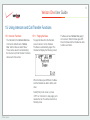
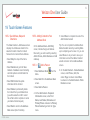
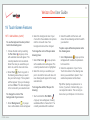
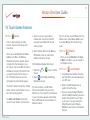
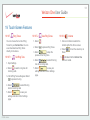
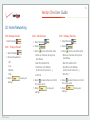
Use the Destinations screen to
view the numbers you have set-up for
Call Forwarding. You may add a new
Destination by selecting Add. To edit
an existing Destination, go to
Destinations – Edit Entry – where you
may Edit or Delete a Destination.
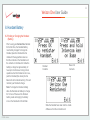
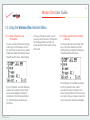
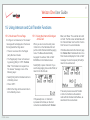
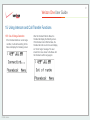
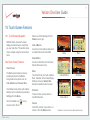
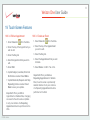
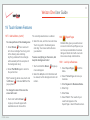
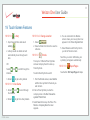
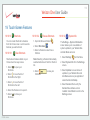
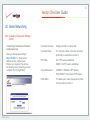
Destinations – Add Entry
Enter a Name and Number for this
Destination. Select Done to save the
entry.
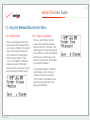
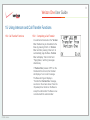
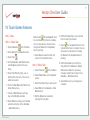
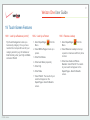
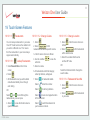
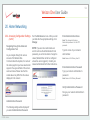
Destinations – Edit Entry
Edit the Destination Name and/or
Number (by touching the entry to bring
up the keyboard) to make changes as
needed.
© 2006 Verizon
19.14.2
Voice Mail
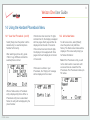
With iobi Home, you’ll get a Verizon
One on-screen list of each Voice Mail
message. Instead of dialing into your
Voice mailbox, you can now play
messages in any order that you choose.
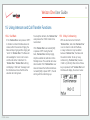
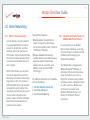
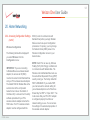
19.14.2.1 Play Messages
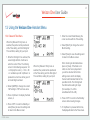
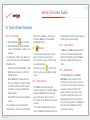
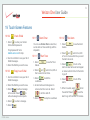
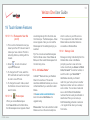
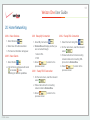
By selecting the Voice Mail icon
from Calls & Memos or the Menu
screen, the Voice Mail tab will provide
you with a list of your voice messages
and the date and time each Voice Mail
was received. By selecting a message,
you will be able to Play your Voice Mail.
You may also Rewind, Pause, Forward
or Delete the recording at any time.
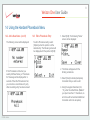
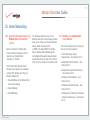
19.14.2.2 Forward Messages
Selecting the Forward option when
viewing a Voice Mail allows you to
forward the Voice Mail to an E-mail
address you specify. Select an E-mail
address from your Address Book by
selecting from Addresses, or enter a
new E-mail address in the other E-mail
Address field. Select Done to send.