1
1 Band EQ
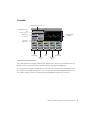
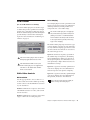
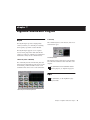
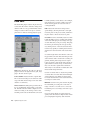
EQ Types
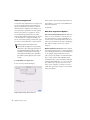
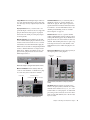
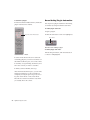
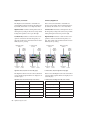
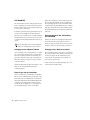
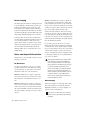
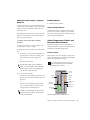
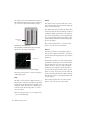
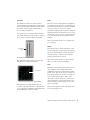
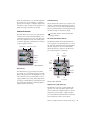
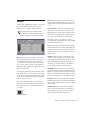
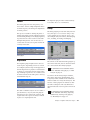
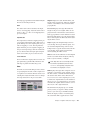
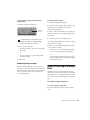
High-Pass Filter
Input Level and
Polarity controls
EQ Type
selector
Frequency Graph
display
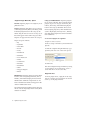
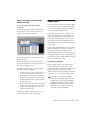
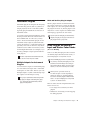
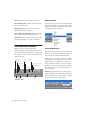
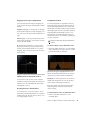
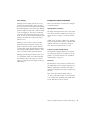
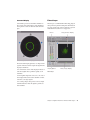
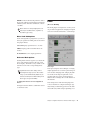
The High-Pass filter attenuates all frequencies
below the Frequency setting at the selected rate
(6 dB, 12 dB, 18 dB, or 24 dB per octave) while
letting all frequencies above pass through. No
gain control is available for this filter type.
Gain, Freq and
Q controls
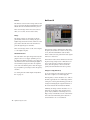
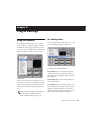
1 Band EQ window
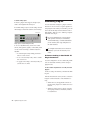
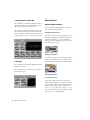
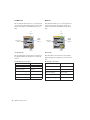
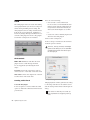
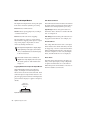
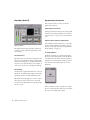
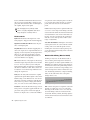
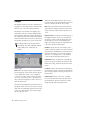
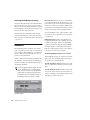
The 1 Band EQ may be set to any one of six EQ
types: High-Pass, Notch, High-Shelf, Low-Shelf,
Peak, and Low-Pass, by clicking the corresponding icon in the EQ Type selector.
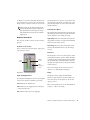
Band Controls
The individual EQ types have some combination of the following controls, as noted below.
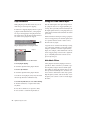
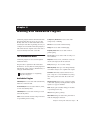
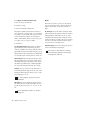
1 Band EQ set to High-Pass Filter
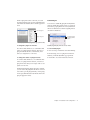
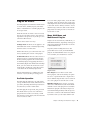
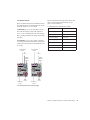
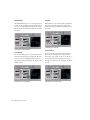
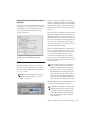
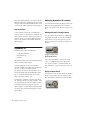
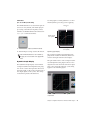
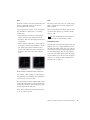
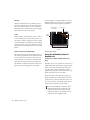
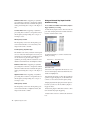
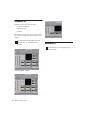
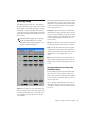
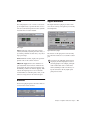
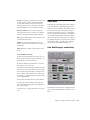
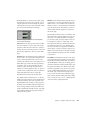
Notch Filter
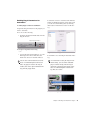
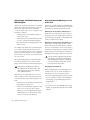
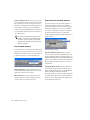
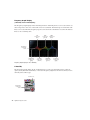
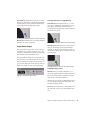
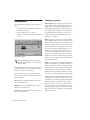
The Notch Filter attenuates a narrow band of
frequencies centered around the Frequency setting. No gain control is available for this EQ
type. The width of the attenuated band is determined by the Q setting.
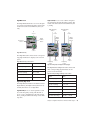
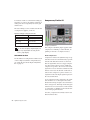
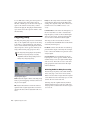
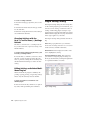
1 Band EQ control values
Control
Value
Frequency Range (All)
20 Hz to 20 kHz
Frequency Default (All)
1 kHz
Q Range (Low/High Shelf)
0.1 to 2.0
Q Range (Peak/Notch)
0.1 to 10.0
Q Default (All)
1.0
Gain Range (Low/High Shelf)
–12 dB to +12 dB
High Peak Gain Range
–18 dB to +18 dB
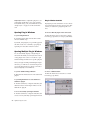
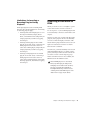
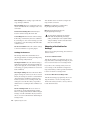
1 Band EQ set to Notch Filter
Chapter 6: DigiRack Real-Time TDM and RTAS Plug-ins
55