1
Getting Started
26
Downloading Images to a Computer
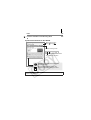
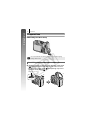
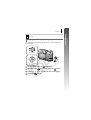
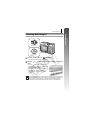
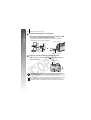
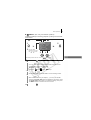
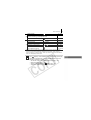
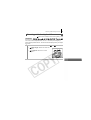
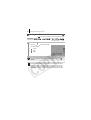
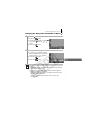
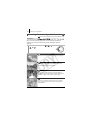
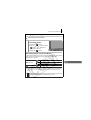
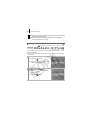
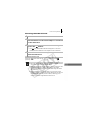
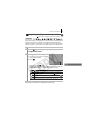
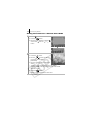
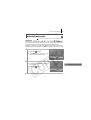
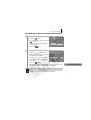
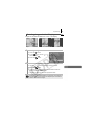
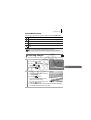
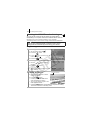
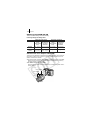
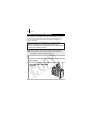
2. Connecting the camera to a computer.
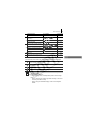
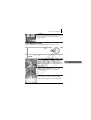
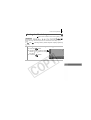
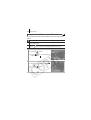
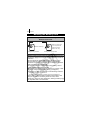
1. Connect the supplied interface cable to the computer's USB
port and to the camera's DIGITAL terminal.
• Open the Camera's terminal cover and insert the interface
cable all the way into the connector.
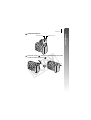
DIGITAL Terminal
USB Port
Interface Cable
Interface Cable
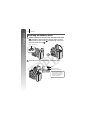
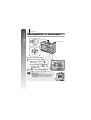
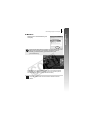
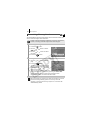
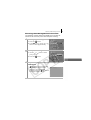
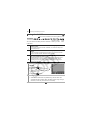
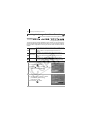
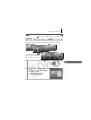
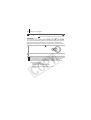
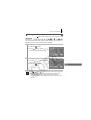
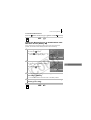
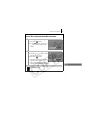
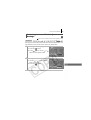
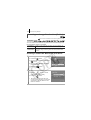
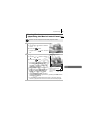
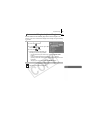
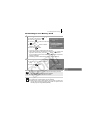
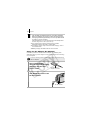
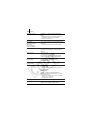
3. Preparing to download images to the computer.
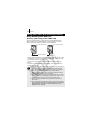
1. Set the camera's mode switch to
the power button.
(Playback) and press
Power Button
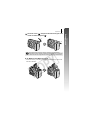
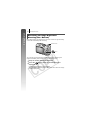
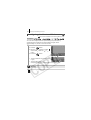
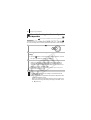
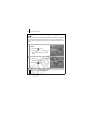
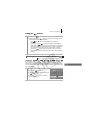
Always grasp the sides of the connector when disconnecting
the interface cable from the camera's DIGITAL terminal.
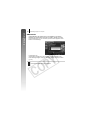
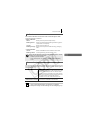
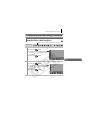
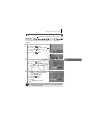
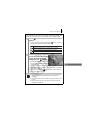
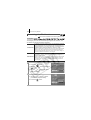
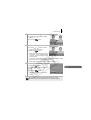
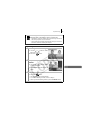
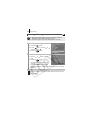
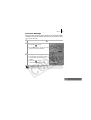
If the Digital Signature Not Found window appears, click [Yes].
The USB driver will automatically finish installing onto the
computer when you attach the camera and open a connection.