1
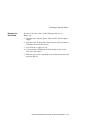
Removing the Ethernet ROM
Remove the
Ethernet ROM
Caution
When removing the Ethernet ROM from the system
board, antistatic precaution must be adhered to.
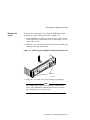
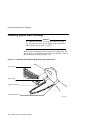
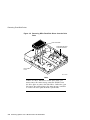
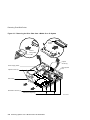
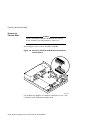
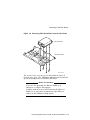
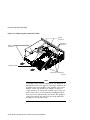
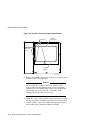
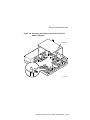
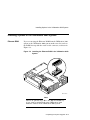
Refer to Figure 2–8 to remove the Ethernet ROM.
Figure 2–8 Removing the Ethernet ROM from the Model 30
and 38 System
MLO-010910
Set the Ethernet ROM on an antistatic mat until you are ready
to install it in the VAXstation 4000 system.
2–12 Removing Options from a Model 30 and 38 Workstation