1
6.
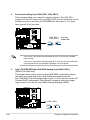
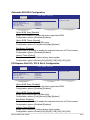
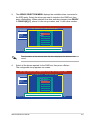
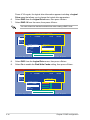
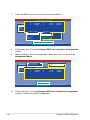
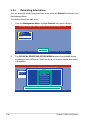
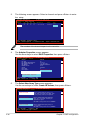
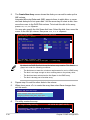
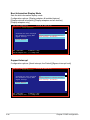
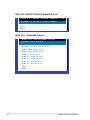
Use the up/down arrow key to select the stripe size for the RAID 0 array, then
press <Enter>. The available stripe size values range from 4 KB to 128 KB.
The default stripe size is 128 KB.
A lower stripe size is recommended for server systems. A higher stripe size
is recommended for multimedia computer systems used mainly for audio and
video editing.
7.
8.
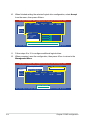
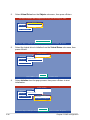
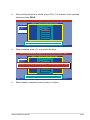
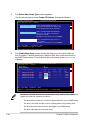
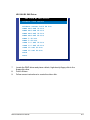
Highlight the Capacity item, enter the desired RAID volume capacity, then
press <Enter>. The default value indicates the maximum allowed capacity.
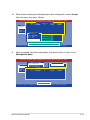
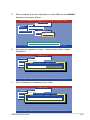
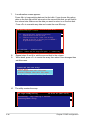
When the Create Volume item is highlighted, press <Enter>.
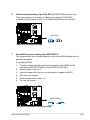
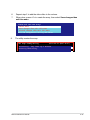
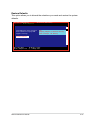
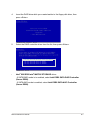
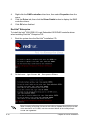
A warning message appears.
WARNING: ALL DATA ON SELECTED DISKS WILL BE LOST.
Are you sure you want to create this volume? (Y/N):
9.
5-32
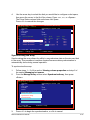
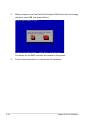
Press <Y> to create the RAID volume and return to the main menu, or <N> to
go back to the Create Array menu.
Chapter 5: RAID configuration