1
and
respectively fit the width and height of
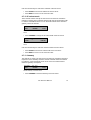
• The buttons
the fax image to the size of the Fax Viewer.
• The printer button
allows you to print a fax.
• The rotation button
clockwise.
rotates the fax image a quarter turn
lets you save the fax image as bitmap.
• The save button
• The slider allows you to zoom in and out.
4.6 Open an existing Archive
The main dialog of the application displays the Main Archive. All the records
representing faxes are displayed in the Main Archive. Archives are
represented by a file called archive.MDB. Existing archives can be opened
as follows.
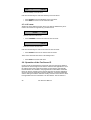
• Click File in the menu.
• Select Main Archive.
A dialog opens that allows you to open an Archive.
• Browse to the existing archive that you want to open by selecting the
file archive.MDB in the desired folder.
• Click Open.
Read Only archives, like archives stored on CD can be opened as follows.
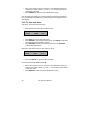
• Click File in the menu.
• Select Archive on CD.
The same dialog opens again.
• Browse to the archive on CD that you want to open by selecting the file
archive.MDB in the desired folder.
• Click Open.
4.7 Create a new Archive
New Archives can be created.
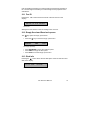
• Click File in the menu.
• Select Main Archive.
Fax Server IP Manual
41