1
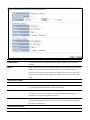
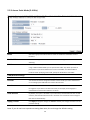
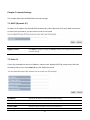
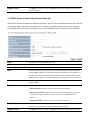
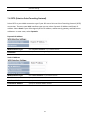
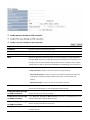
Chapter 9 Management Settings The Management section on the navigation drop‐down menu can help you manage your device and adjust system settings such as password, time zone, diagnosis, remote control, upgrade firmware, and save/load settings. Each option is described below. 9.1 Password Settings Click Password under the Management section to change the password you specify to access the EOA7530 Web Configurator. The default password is admin. For security reasons it is highly recommended that you create a new password. Old Password Enter the current password. New Password Specify a new password for login. Repeat New Password Re‐enter the new password for confirmation. Apply / Cancel Click Apply to apply the changes or Cancel to discard your changes and return to the previous settings. 9.2 Time Zone Settings Click Time Zone under the Management menu to configure the EOA7530 system time. Using these settings, you can synchronize the EOA7530 system time with a Network Time Protocol (NTP) server. 58