1
Note: You are charged for airtime minutes when you are accessing your
voicemail from your phone.
Using a Phone Other Than Your Wireless Phone to Access
Messages:
1. Dial your wireless phone number.
2. When your voicemail answers, press
3. Enter your passcode and press
.
.
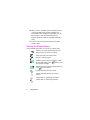
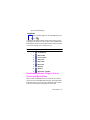
Clearing the Message Icon
Your phone may temporarily continue to display the message icon
after you have checked your voice and text messages.
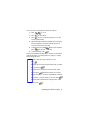
To clear the icon from the display screen:
1. Press
for Main Menu.
2. Press
for Mail Kit.
3. Press
for Voicemail.
4. Press
for Clear Icon.
Using Caller ID
Caller ID lets people know who’s calling by displaying the number of
the person calling.
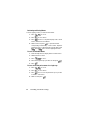
To block your phone number from being displayed for a specific
outgoing call:
1. Press
.
2. Enter the number you want to call.
3. Press
.
To permanently block your number, call Customer Service.
The Basics 97