1
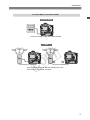
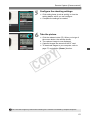
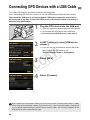
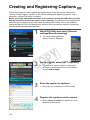
Connecting GPS Devices with a USB Cable
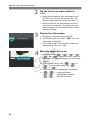
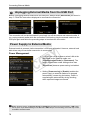
Unplugging GPS Devices from the USB Port
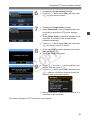
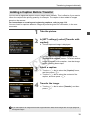
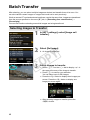
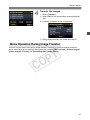
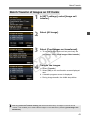
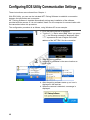
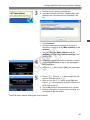
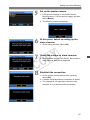
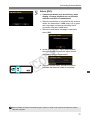
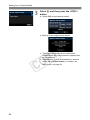
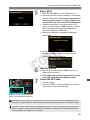
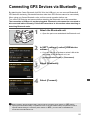
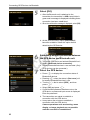
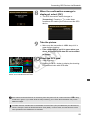
Before unplugging GPS devices from the USB port, always select [Disconnect] as shown in
step 5. Follow the instructions displayed to terminate the connection.
The connection will not be terminated if you simply turn off the camera and GPS device. If you
unplug GPS device while the connection is still active, plug the GPS device into the USB port
again and follow the preceding steps to terminate the connection.
Power Management
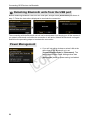
If you will not use a wireless or wired LAN at the
same time as the GPS device, set
[Communication mode] to [Disconnect]. The
battery drains faster under settings other than
[Disconnect] because power saving is disabled.
C
90
Y
P
O