1
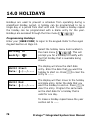
HL010 Hol Group
[********]
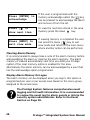
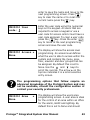
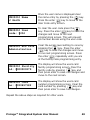
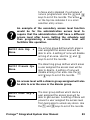
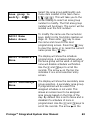
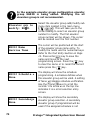
The display will show the option entry
screen for the holiday groups that this
holiday will enable when the holiday is
active. These will be masked with the
holiday group in the schedule. An option
can be toggled on and off (enabling
holiday group number) by using the
numerical keys
to . To view the
options in text entry mode press the
key. Refer to Option Entry on Page
12. Option 1 to 8, are assigned Holiday
Group 1 to 8.
If a holiday is active and a period in a schedule is NOT
programmed with the holiday group the schedule will
not become valid. If a schedules period is to operate
on a holiday the period must have at least one of the
holiday group options programmed that matches the
holiday setting.
View Holiday Status
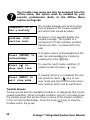
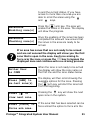
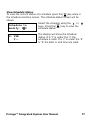
To view the current status of a holiday press the
key while in the
holiday selection screen. The holiday status screen will be shown.
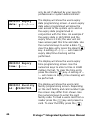
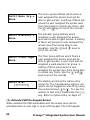
Holiday to
modify: 010
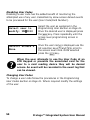
Select the holiday using the
and
keys. Press the
key to view the
holiday status.
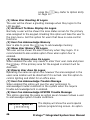
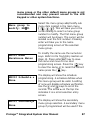
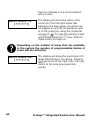
S: V G: 12345678
Y
------Y-
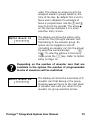
The display will show the holiday status.
If a 'Y' is under the 'V' the holiday is
valid. If a 'Y' is under the 'S' or 'E' the
start or end time are valid.
Protege™ Integrated System User Manual
79