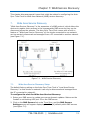
1
Auto-Sync Time Clock
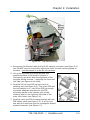
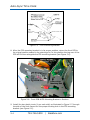
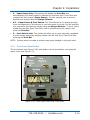
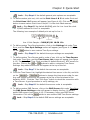
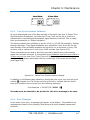
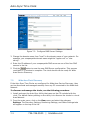
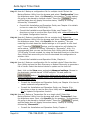
Figure 2-13. Rear View Showing PoE & FPR Cables/Connections.
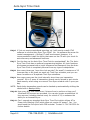
13. Carefully reinstall the top plate by first inserting the rear tabs into the
appropriate rear notches, making sure the rear centering tab is located in its
notch. Then push the plate forward making sure to align the sides and front of
the plate in the proper position. Finally push the plate downward to lock into
position.
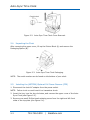
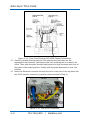
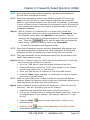
14. Insert the Ethernet connector through the hole in the rear of the top plate into
the RJ-45 network connector (previously disconnected in Step 4).
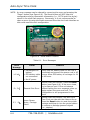
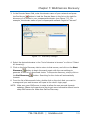
Figure 2-14. PoE & FPR Connectors.
2-10
724-746-5500
|
blackbox.com