1
3-2
Chapter 3: Using the Extensions List
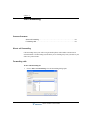
Viewing Wave extensions
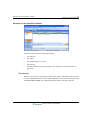
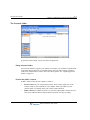
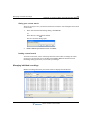
The Extensions list updates automatically in real time.
Extensions folder tabs
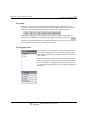
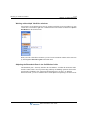
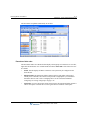
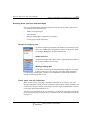
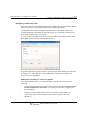
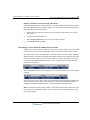
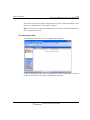
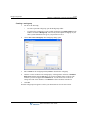
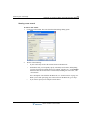
The Extensions folder can contain tabs that display related groups of extensions. To view tabs,
right-click the Extensions view column headers and choose Show Tabs. Click each tab to view
its contents.
•
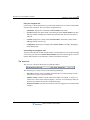
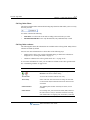
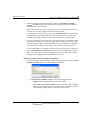
All tab. This tab displays all Wave extensions. Your system may be configured to not
show this tab.
•
Workgroup tabs. The Extensions folder contains a tab for each public workgroup of
which you are a member, and a tab for each personal workgroup that you created and
decided to show as a tab. Click a workgroup tab to see the extensions within that
workgroup. See “Using workgroups” on page 9-14.
•
Queue tabs. If you are an agent in contact center queues, the Extensions folder contains a
tab for each queue. Click the tab to see the agents who are members of that queue.
Wave ViewPoint User Guide