1
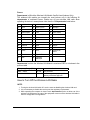
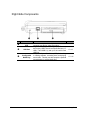
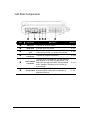
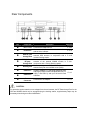
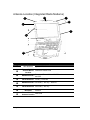
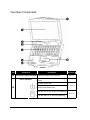
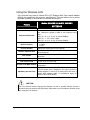
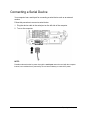
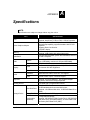
Rear Components
Ref
Component
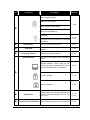
RJ-11 Port
Description
Connects the telephone line.
See Also
P. 2-20
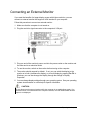
Connects the LAN cable. Included a link indicator
P. 2-19
and an active indicator.
Serves as the interface between the system and
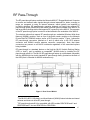
GPS RF pass
external GPS antenna, in conjunction with a P. 2-25
through Port
Vehicle Docking station.
WWAN Module Serves as the interface between the system and
antenna of the optional WWAN module, in P. 2-21
RF pass
through Port conjunction with a Vehicle Docking station.
RJ-45 Port
Docking Port
USB Port 1
USB Port 2
Power
Connector
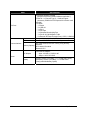
For connecting to an Office Port Replicator or
Vehicle Dock (both are available as an option).
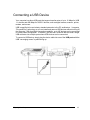
Supports USB2.0 (i.e. USB High Speed Devices)
and Legacy USB Full and Low Speed Devices (i.e.
USB 1.1 and YSB1.0); and up to 1A load for each
USB Port.
P. 4-3
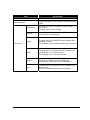
Connects the AC adapter.
P. 1-4
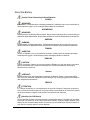
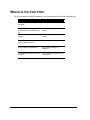
CAUTION:
For protection against transient over-voltages from the environment, the RF Pass-through Port for the
GPS and WWAN should only be engaged using the docking station, supplementary steps may be
necessary when doing an external installation."
1-10
Getting Started