1
Wireless Interface Configuration
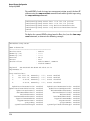
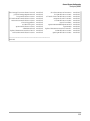
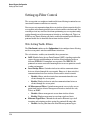
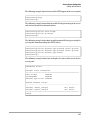
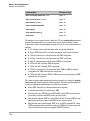
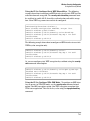
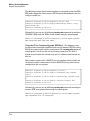
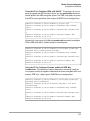
Managing Multiple SSID Interfaces
■
■
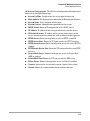
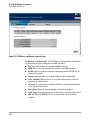
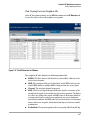
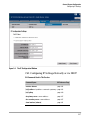
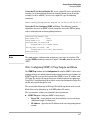
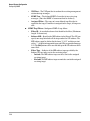
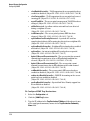
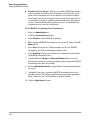
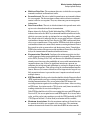
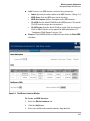
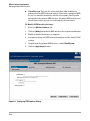
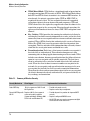
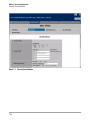
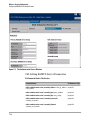
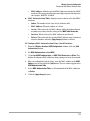
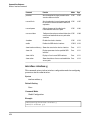
Add: Creates a new SSID interface and sets these parameters:
•
Index: Specifies the index number of the SSID interface. (Range: 1-8)
•
SSID Name: Sets the SSID name for the interface.
•
SSID Description: Adds a description to the SSID interface.
•
VLAN ID: Sets the default VLAN ID for the SSID interface. The default
VLAN ID must be unique for each interface.
•
VLAN Tagging: Sets the default VLAN as tagged. Only one untagged
VLAN is allowed on the access point. For more information, see
“Configuring VLAN Support” on page 5-62.
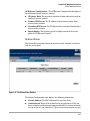
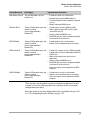
Remove: Deletes SSID interfaces indicated in the list by the Select SSID
checkbox.
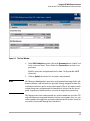
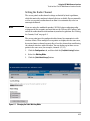
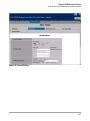
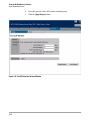
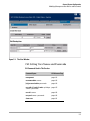
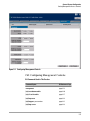
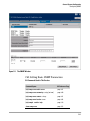
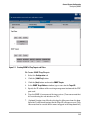
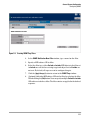
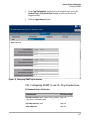
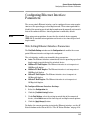
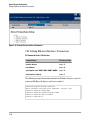
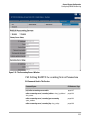
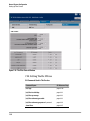
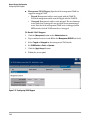
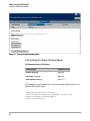
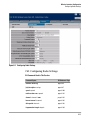
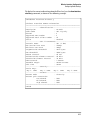
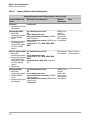
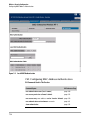
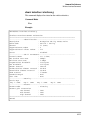
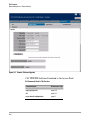
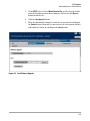
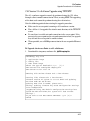
Figure 6-4. The Wireless Interfaces Window
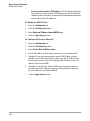
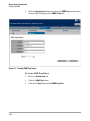
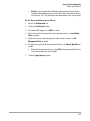
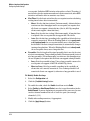
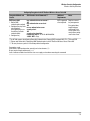
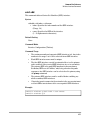
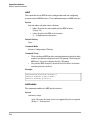
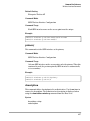
To Create an SSID Interface:
1.
Select the Wireless Interfaces tab.
2. Click the [Add] button.
3. Select an available index number form the drop-down list.
6-23