1
Testing Modem
Drivers in
Windows 2000
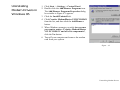
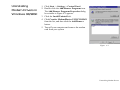
1. Click Start -> Settings -> Control Panel.
2. Double-click the Phone and Modems icon.
The Phone and Modems Options dialog
box appears.
3. Click the Modem tab.
4. Select Creative Modem Blaster V.92 PCI
DI5631, and then click the Properties
button.
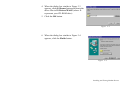
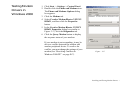
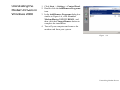
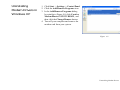
5. In the Creative Modem Blaster V.92 PCI
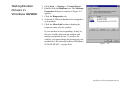
DI5631 Properties dialog box similar to
Figure 3-17, click the Diagnostics tab.
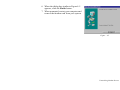
6. Click the Query Modem button to display
the response status of your modem.
If your modem is not responding, it may be
due to a conflict between the modem and
another peripheral device. To resolve the
conflict, you must change the settings of your
modem (see “Resolving Conflicts in
Windows 2000/XP” on page B-7).
Figure 3-17
Installing and Testing Modem Drivers 3-13