1
S300 Chapter 01.qxd
5/12/01
1:45 PM
Page 7
Basic Printing
Cancelling a Print Job
There are several ways to cancel a print job in progress:
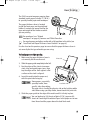
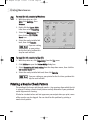
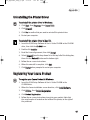
To cancel a print job from the printer:
While a job is printing, press the RESUME/CANCEL
button on the printer. The print job will be cancelled
and the paper ejected.
RESUME/CANCEL button
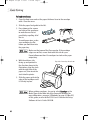
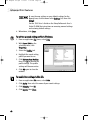
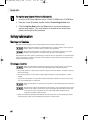
To cancel a print job from the BJ Status
Monitor:
The BJ Status Monitor launches automatically
when data is sent to the printer.
1. Click the Canon BJ Status Monitor icon on
the Task Bar.
2. Click Cancel Printing.
The print job will be cancelled and the paper
ejected.
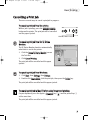
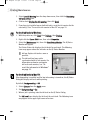
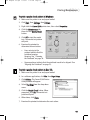
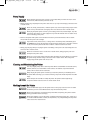
To cancel a print job from Windows:
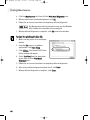
1. Click Start, then Settings, then Printers.
2. Double-click Canon S300, click the print job, then press the Delete key.
The print job will be cancelled and the paper ejected.
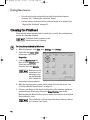
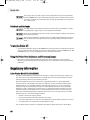
To cancel a print job in Mac OS when using foreground printing:
On your keyboard, press the Apple™ Command key (
at the same time.
) and the period key ( . )
The print job will be cancelled and the paper ejected.
7