1
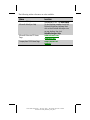
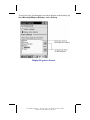
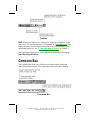
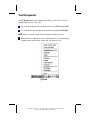
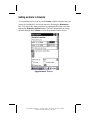
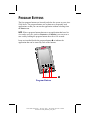
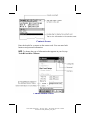
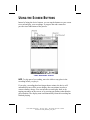
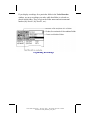
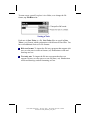
NOTE: You can quickly display a new appointment card by pressing and
holding the Calendar program button.
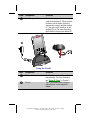
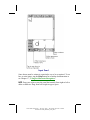
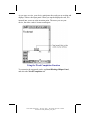
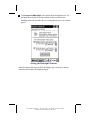
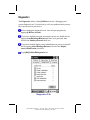
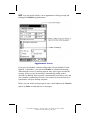
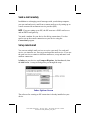
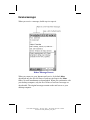
Appointment Screen
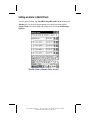
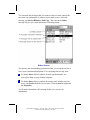
If you need to schedule a meeting with people who use Outlook, Pocket
Outlook, or Schedule+, you can use Calendar to schedule the meeting.
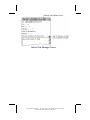
When attendees receive a meeting request, they can accept or decline the
meeting. If they accept, the meeting is automatically added to their
schedule. In addition, their response is automatically sent back to you, and
your calendar is updated the next time you connect to your mail server or
synchronize with your desktop computer.
Before you can send a meeting request, enter e-mail addresses in Contacts
and set up Inbox to send and receive messages.
Writer: Beth Snowberger - Saved by: Fleur - Saved date: 08/16/99 11:59 PM
File name: Wombat_RefGuide_final_0810