1
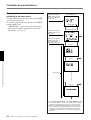
Adjusting the Lens
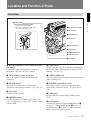
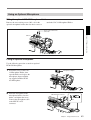
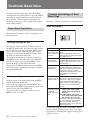
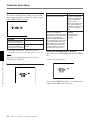
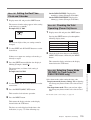
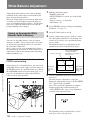
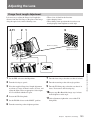
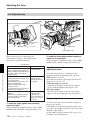
Iris Adjustments
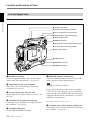
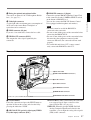
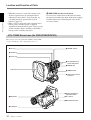
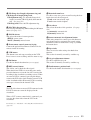
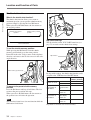
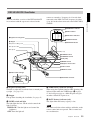
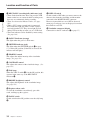
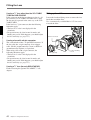
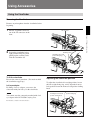
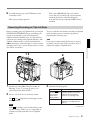
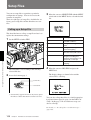
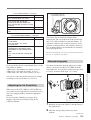
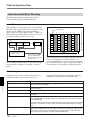
Iris ring
IRIS
AM
T
RET
W
Instant automatic
iris button
ZEBRA button
Iris selector
A.IRIS MODE switch
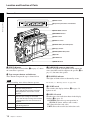
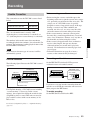
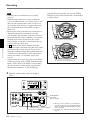
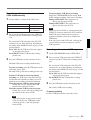
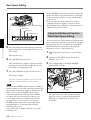
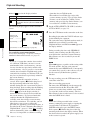
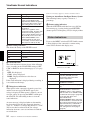
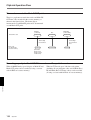
There are three ways of adjusting the iris:
automatically, manually, and with the instant
automatic iris adjustment function.
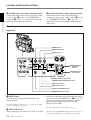
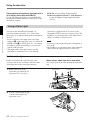
To make the image clearer when shooting a
subject lit by a spotlight
In the automatic iris adjustment mode, set the A.IRIS
MODE switch to SPOT L, turning the indicator on.
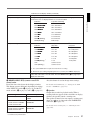
Iris adjustment
Adjustment method
Operation
Chapter 5 Adjustments and Settings
Automatic adjustment mode
Set the iris selector
to the A position.
The iris is adjusted automatically to
adapt to changes in the brightness of
the subject. This is the mode for
normal shooting.
Manual adjustment mode
Use this mode in the following cases:
• For special effects
• When filming a person with a very
bright sky background
• When shooting a subject with
extreme contrast
The zebra pattern can be used as a
guideline for iris adjustment.
Set the iris selector
to the M position
and turn the iris ring
as required.
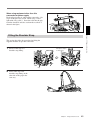
Instant automatic adjustment
function
While in manual adjustment mode,
this function makes a temporary
automatic adjustment.
With the iris selector
in the M position,
hold down the
instant automatic iris
button for as long as
necessary.
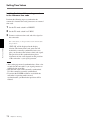
To make the image lighter when shooting
against the light
In the automatic iris adjustment mode, set the A.IRIS
MODE switch to BACK L, turning the indicator on.
134
Chapter 5 Adjustments and Settings
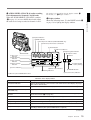
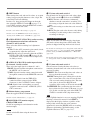
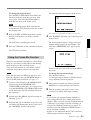
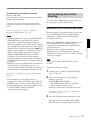
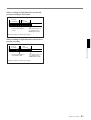
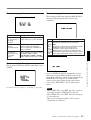
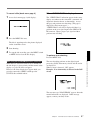
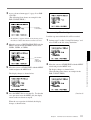
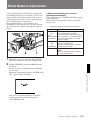
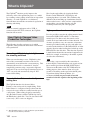
Using the zebra pattern in manual
adjustment mode
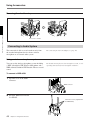
To use the zebra pattern as a guideline for iris
adjustment in manual adjustment mode, press the
ZEBRA button to set it on.
Select the zebra pattern to be displayed in advanced
menu page 4 (see page 102).
• When the subject is a person
Adjust the iris manually so that the zebra pattern
appears on the highlights of the subject’s face.
• For other subjects
Adjust the iris manually so that the zebra pattern
appears on the most important parts of the subject.
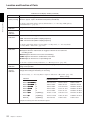
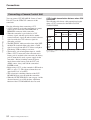
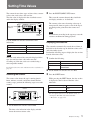
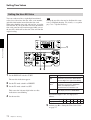
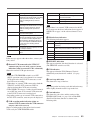
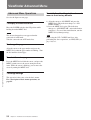
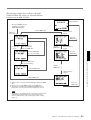
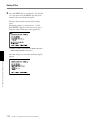
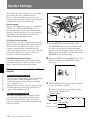
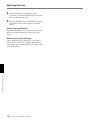
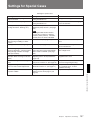
Designating the lens
You have to designate the lens number according to
the types of your lens.
If the number is not designated properly, other colors
may appear on the upper and lower of the screen when
shooting a white subject.
Set the number in advanced menu page 4 (page 102)
according to the following table.