1
Before taking a phenomenon as a trouble
If something is wrong with the device, the buzzer sounds and a corresponding error message is given on
the LCD. Take an appropriate corrective measure in accordance with the message.
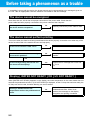
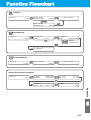
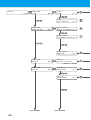
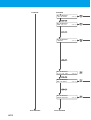
The device cannot be energized
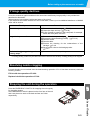
More often than not, this is due to improper connection of the power cable. Check that the
power cable has been properly connected to the power outlet and the computer.
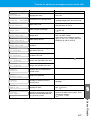
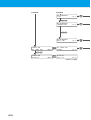
Has the power cable been connected to
the device and the receptacle?
No
Securely connect the power cable to them.
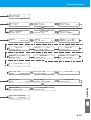
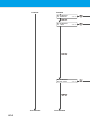
The device cannot perform printing
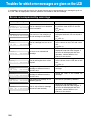
This occurs when the data is not being transmitted to the device properly. It can also occur when any of the
device functions fails or the media has been set improperly.
Is the correct interface cable used?
Has the interface cable been securely
connected in position?
No
Use the cable exclusive for the device.
No
Securely connect the interface cable in
position.
Yes
Replace the ink cartridge with a new one.
P.4-4
Yes
Is the message telling that ink has run
out shown on the display?
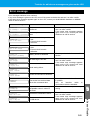
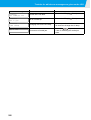
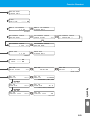
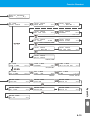
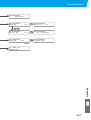
Display [ WATER NOT READY ] OR [ UV NOT READY ]
When [WATER NOT READY] appears on the display, the water temperature in the water heater has not
reached the predetermined value. If [UV NOT READY] is displayed, as the UV lamp has not been ready, the
UV lamp can not be used, therefore drawing can not be started.
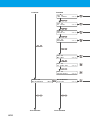
Printing is disabled before the
temperature reaches the predetermined
value.
5-2
No
Wait until the temperature reaches the
predetermined value. When it has
reached, the message on the display
disappears and printing is enabled.