1
SD Card Upload SOP
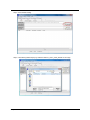
1. Copy the upgrade file into root path of SD card, and then insert into phone
Note. Make sure the SD card has enough free space which should be double than upgrade package,
for example, 200M upgrade file needs 400M free space.
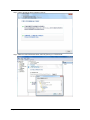
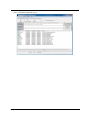
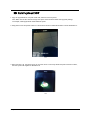
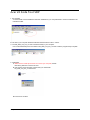
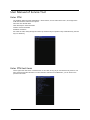
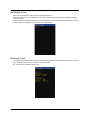
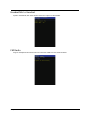
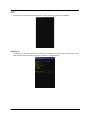
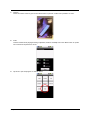
2. Keep press Vol-UP and power button for 2 seconds and enter into Select Boot Mode UI as the illustration P1.
P1
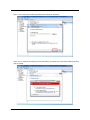
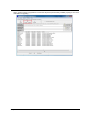
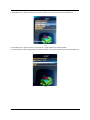
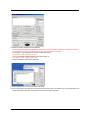
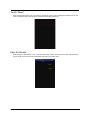
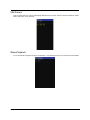
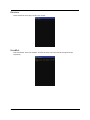
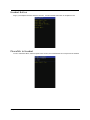
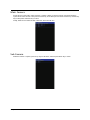
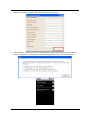
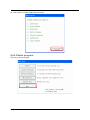
3. When see the P1 UI, then press Vol-up to move the cursor to “Recovery Mode”and press Vol-down to select,
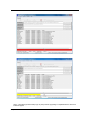
then the system will migrate into illustration P2
P2
Chapter 2
22