1
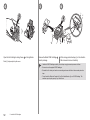
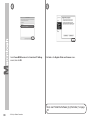
7
8
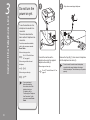
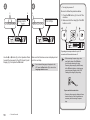
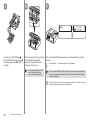
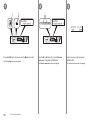
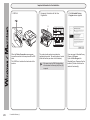
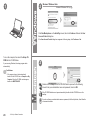
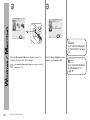
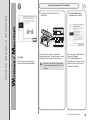
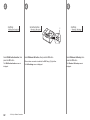
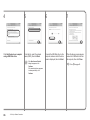
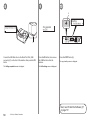
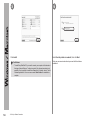
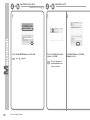
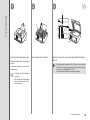
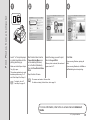
Place the Black FINE Cartridge
.
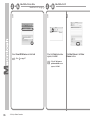
into the right slot
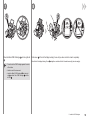
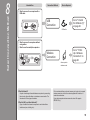
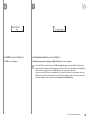
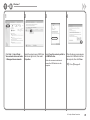
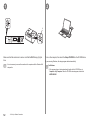
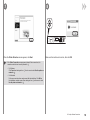
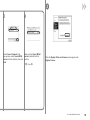
Push down
of the Ink Cartridge Locking Cover until you hear a click to close it completely.
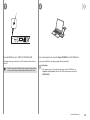
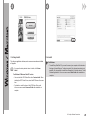
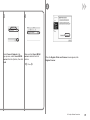
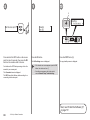
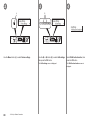
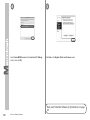
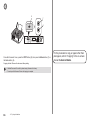
View the Ink Cartridge Locking Cover
straight on and check that it is locked correctly (not at an angle).
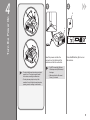
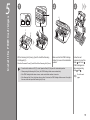
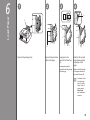
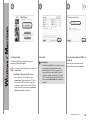
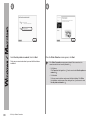
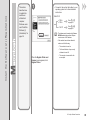
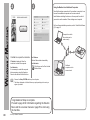
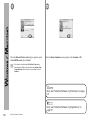
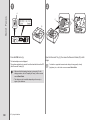
• Do not knock the FINE Cartridge against the sides
of the holder.
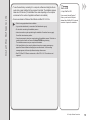
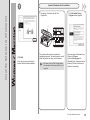
• Install in a well-lit environment.
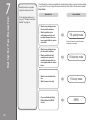
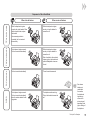
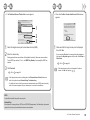
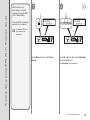
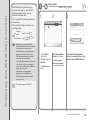
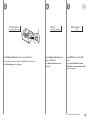
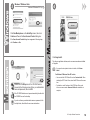
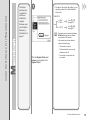
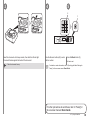
• Install the Black FINE Cartridge
into the right
slot , and the Color FINE Cartridge
into the
left slot .
5 Install the FINE Cartridges
13