1
Various Functions
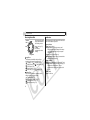
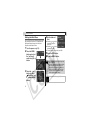
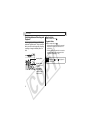
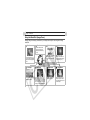
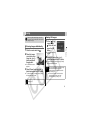
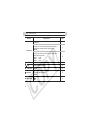
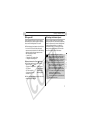
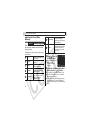
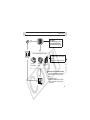
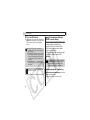
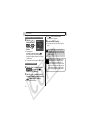
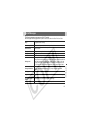
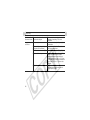
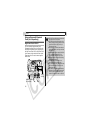
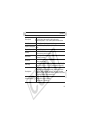
Transfers and saves to the
Using the software and computer to download
images:
J See the Software Starter Guide.
DPOF Trans. computer only the images with
Images
DPOF Transfer Order settings
Using the Camera to Download Images (Direct
Transfer Function):
J See Downloading Images by Direct Transfer
(p. 111).
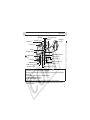
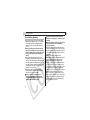
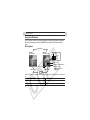
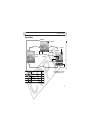
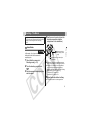
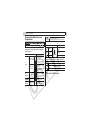
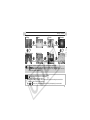
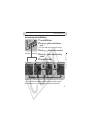
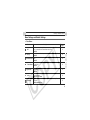
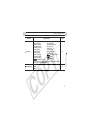
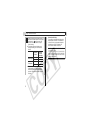
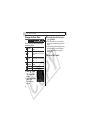
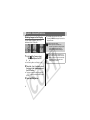
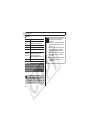
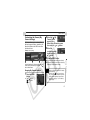
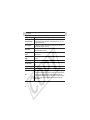
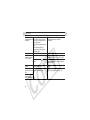
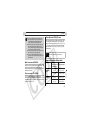
Select &
Transfer
Wallpaper
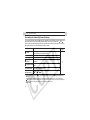
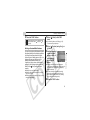
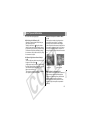
Downloading Images by Direct
Transfer
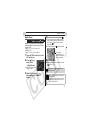
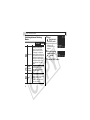
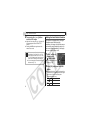
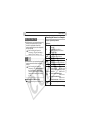
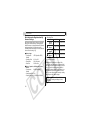
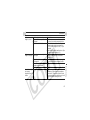
Transfers and saves all images
to the computer.
Transfers and saves to the
computer only the images that
New Images
have not been previously
transferred.
All Images
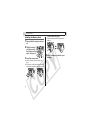
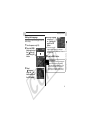
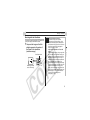
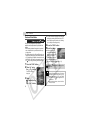
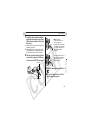
1
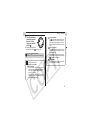
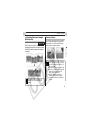
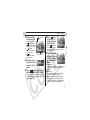
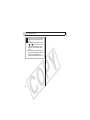
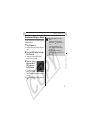
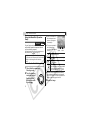
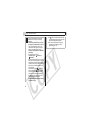
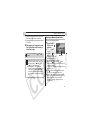
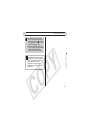
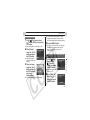
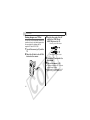
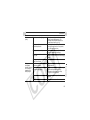
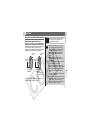
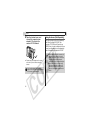
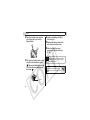
Confirm that the
Direct Transfer
menu is displayed
on the camera’s
LCD monitor.
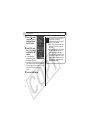
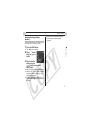
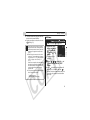
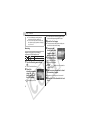
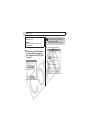
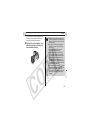
z The
button will light Direct Transfer Menu
blue.
z Press the MENU button if the Direct Transfer
menu fails to appear.
111
Various Functions
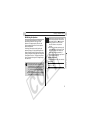
Use this method to download images using camera
operations.
Install the supplied software and adjust the
computer settings before using this method for the
first time (p. 109).
(p. 104).
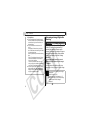
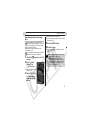
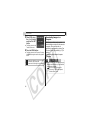
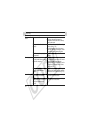
Transfers and saves single
images to the computer as you
view and select them.
Transfers and saves single
images to the computer as you
view and select them. The
transferred images display on
the computer desktop.