1
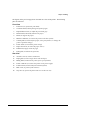
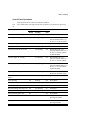
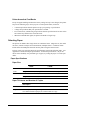
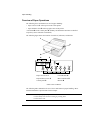
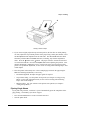
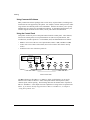
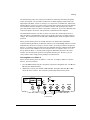
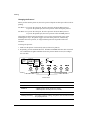
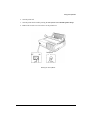
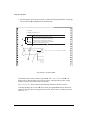
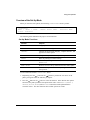
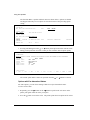
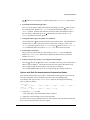
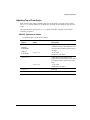
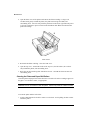
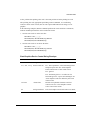
Paper Handling 3 Loading a Sheet of Paper 6. If you want to slightly adjust the Top-of-Form position, the first line on which printing can start, adjust the Top-of-Form position of the paper using control panel buttons. Press the Set-Up/Quit and the Top buttons at the same time. The M1 and M2 indicators flash alternately with the DEC and PPX24 indicators, indicating Top-of-Form Adjustment mode. Press the button or the button. The paper will move forward or backward in 1/60-inch increments. Press the Set-Up/Quit button after adjusting the position. Note that this adjustment is temporarily saved. It will not be active at next power-up of the printer. For permanent adjustment, see the section Feeding and Positioning Paper later in this chapter. 7. Place the printer in the Ready state. Print a sample page and check the page margins. Make the following adjustments, as necessary: Horizontal alignment. Readjust the paper guides if required. Top-of-form setting. Use the printer Set-Up mode (see Chapter 4 Using Set-Up Mode) or the TOF Adjustment mode (see the section Feeding and Positioning Paper later in this chapter). Margin settings. Use your software or the printer Set-Up mode (see Chapter 4 Using Set-Up Mode). Ejecting Single Sheets If you print using software, each sheet is ejected automatically upon the completion of the page printing. To manually eject sheets of paper: Press the FF/Load button to execute a forward form feed. Turn the platen knob. 2-13