1
left page (97) of C65 Hera en, A31008-H7800-A1-1-7619 (15.06.2004, 08:19)
Siemens AG 2003, C:\Daten\Siemens\Produkte\C65\output\FUG\C65_fug_en_040615_rs_pk_druck\C65_Organizer.fm
Appointments
97
C ¢Q¢Appointments
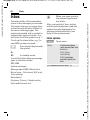
Different input/selection fields are
displayed depending on the type.
The number of fields can be
restricted, see Standard at the end of
the list.
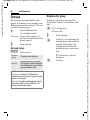
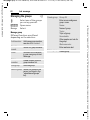
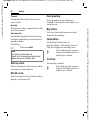
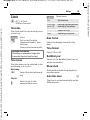
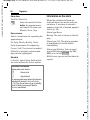
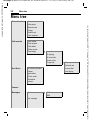
Enter new appointment
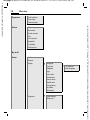
Description:
Description of appointment.
Appointments are displayed in
chronological order in a list.
<New entry>
Select.
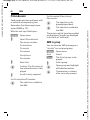
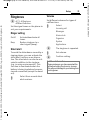
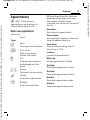
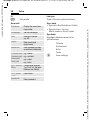
Types:
Memo
c
d
e
f
Voice memo
Voice memo:
Enter a voice recording, see Dictat.machine, p. 100.
Enter voice memo.
Shown with alarm.
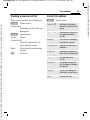
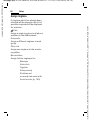
Location:
Location of appointment.
Call
Whole day:
All-day appointment: Yes/No
Text input for description.
Enter phone number to
be displayed with the
alarm.
Meeting
Text input for description.
g
Holiday
Enter start and end date.
h
Phone number:
Enter a phone number or select one
from the address directory.
Birthday
Enter name and date.
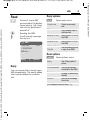
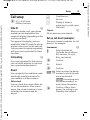
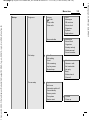
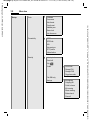
Start date:
Date when appointment starts.
Start time:
Time when appointment starts.
End date:
Date when appointment ends.
End time:
Time when appointment ends.
VAR Language: en; VAR issue date: 040517
Organiser