1
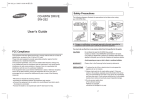
Safety Precautions
Your CD-R/RW Drive
Upgrading the Firmware Flash Memory
System Requirements
Installing the CD-R/RW Drive
Connecting the Cables
Installing the CD Record Utility
Installing the Device Driver
Setting Up the Device Driver
Using the CD-R/RW Drive
Storing and Cleaning Your Discs
Solving Recording Problems
Caution with errors
Recommended Disc Types
Term Description
Solving Technical Problems
Technical Specifications
ENGLISH
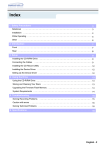
Contents
Safety Precautions
3
4
5
5
6
6
9
9
10
11
11
12
13
14
14
15
17
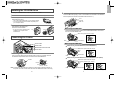
The following diagrams illustrate the precautions to be taken when using
your CD-R/RW drive.
✱ Changes or modifications not expressly approved by the party responsible for
compliance could void the user’s authority to operate the equipment.
You must not use the drive in any manner other than that specified in this guide.
CAUTION
Do not attempt to repair the CD-R/RW drive yourself.
Contact your dealer or local SAMSUNG representative for all repairs.
If you make any adjustments or perform any operations other than those
specified in this guide, you run the risk of exposure to hazardous radiation.
Avoid exposing your eyes or skin to direct or scattered radiation.
WARRANTY
Please refer to the Samsung limited warranty statements.
PRECAUTIONS
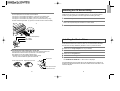
1. To reduce the risk of fire or electric shock, do not expose this
appliance to rain or moisture.
2. Always check each disc for cracks before using it. If there are
cracks on the surfaces, especially around the border of the center
hole, we recommend that you make a copy of the disc immediately
and then stop using it. If you continue using the disc, it will probably
develop more cracks and eventually cause irreparable damage.
* All product names mentioned in this document are trademarks or
registered trademarks of their respective owners.
2
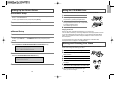
3. Do not use poor quality discs:
From unknown sources
Without any copyright
Scratched or damaged in any way
3