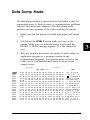
1
7.
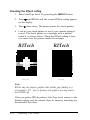
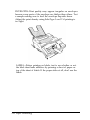
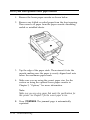
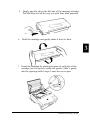
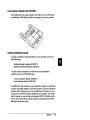
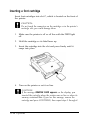
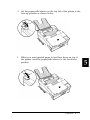
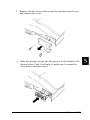
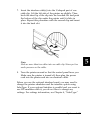
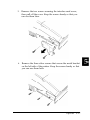
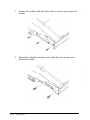
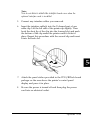
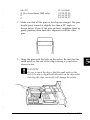
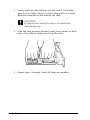
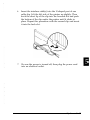
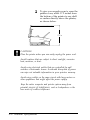
Insert the interface cable(s) into the U-shaped part of one
cable clip. Lift the left side of the printer up slightly. Then
hook the short lip of the clip into the forward slot and push
the bottom of the clip under the printer until it clicks in
place. Repeat this procedure with the second clip and insert
it into the back slot.
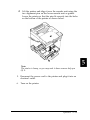
Note:
Hook no more than two cables into one cable clip. Never put too
much pressure on the cables.
8.
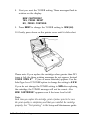
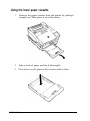
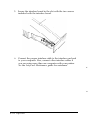
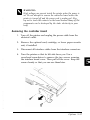
Turn the printer around so that the control panel faces you.
Make sure the printer is turned off; then plug the power
cord into the printer and into an electrical outlet.
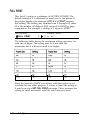
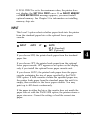
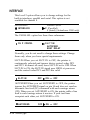
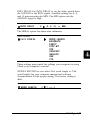
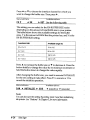
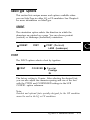
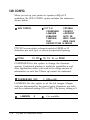
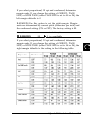
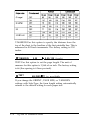
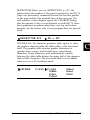
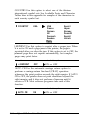
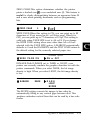
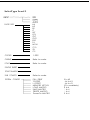
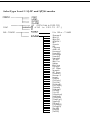
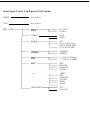
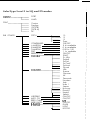
Before you use the optional interface board, you may need to
change the printer emulation and the interface option using
SelecType. If your optional interface is parallel and you want to
use HP emulation with it, you do not have to change any
settings. For settings information, see Chapter 4, “SelecType.”
Options 5-25