1
9
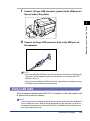
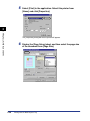
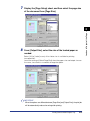
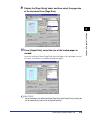
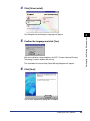
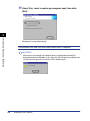
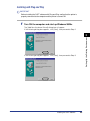
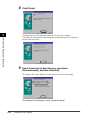
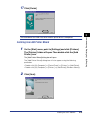
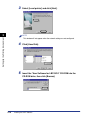
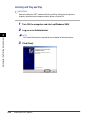
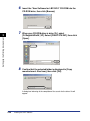
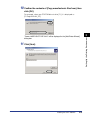
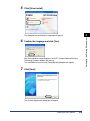
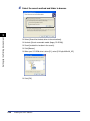
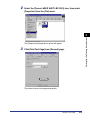
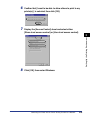
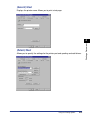
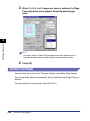
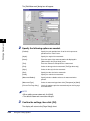
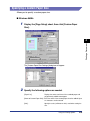
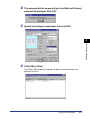
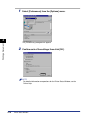
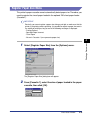
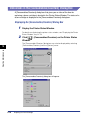
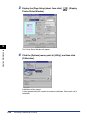
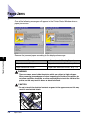
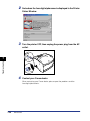
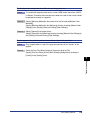
Click [Next].
Setting Up the Printing Environment
3
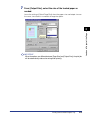
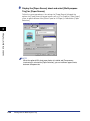
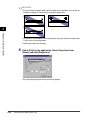
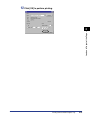
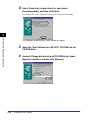
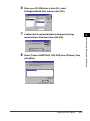
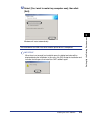
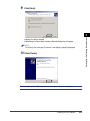
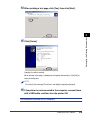
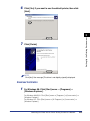
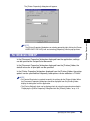
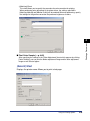
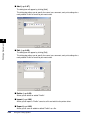
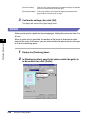
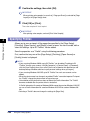
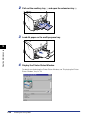
Copying files will be started.
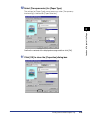
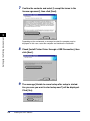
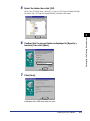
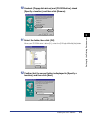
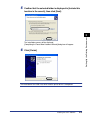
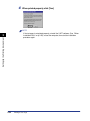
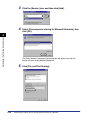
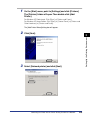
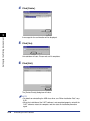
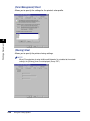
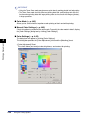
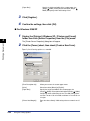
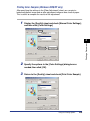
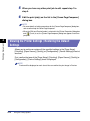
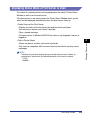
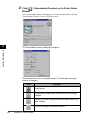
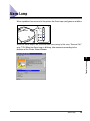
[Completing the Found New Hardware Wizard] dialog box will appear.
NOTE
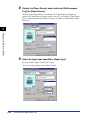
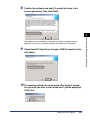
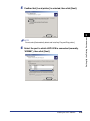
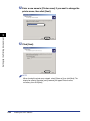
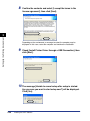
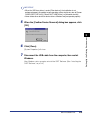
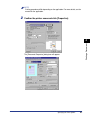
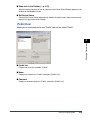
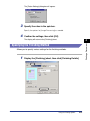
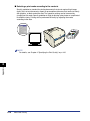
Click [Yes] if the message [This driver is not digitally signed] is displayed.
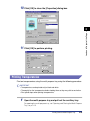
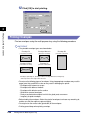
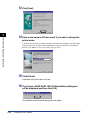
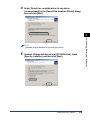
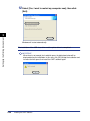
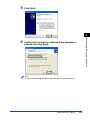
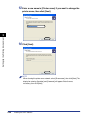
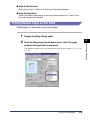
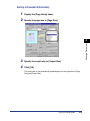
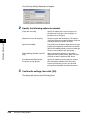
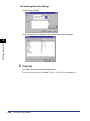
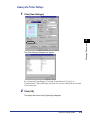
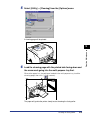
10 Click [Finish].
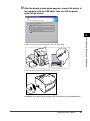
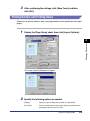
The installation of the USB class driver and the printer driver is completed.
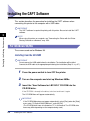
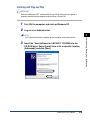
Installing the CAPT Software
3-27