1
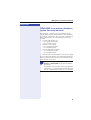
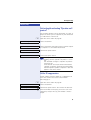
Making Calls – Convenience Functions
Step by step
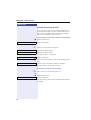
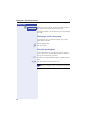
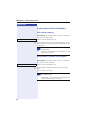
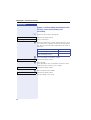
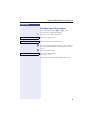
Displaying/deactivating call forwarding for
another phone
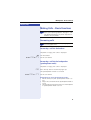
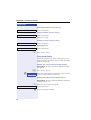
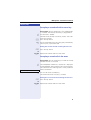
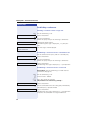
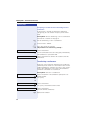
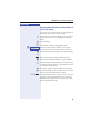
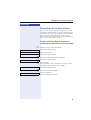
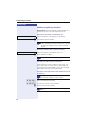
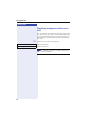
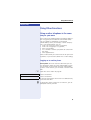
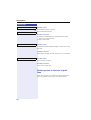
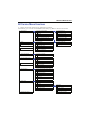
N Open the service menu Æ page 26.
Feature settings?
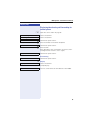
g
Select and confirm.
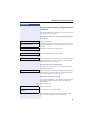
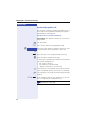
Forwarding station No.?
Select and confirm.
Variable call forw.?
Confirm the option shown.
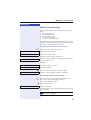
j Enter the number of the other telephone.
Completed?
Confirm the option shown.
j Enter the PIN
(only applicable if your station does not have "Call forwarding for other stations" access rights).
Completed?
Confirm the option shown.
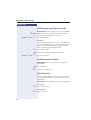
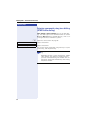
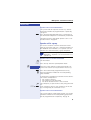
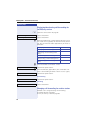
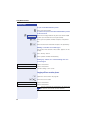
Deactivating
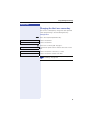
Deactivate?
Confirm the option shown.
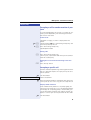
or Display
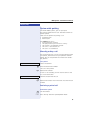
Display?
Select and confirm.
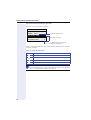
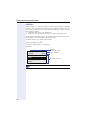
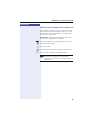
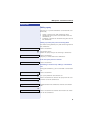
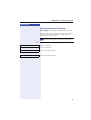
Sample display:
3428------------------------->8968
Calls for station 3428 are forwarded to station 8968.
69