1
26
AP6562 Access Point
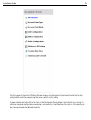
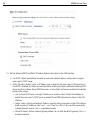
The Introduction screen displays a list of the basic configuration activities supported by the Initial Setup
Wizard.
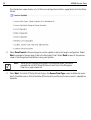
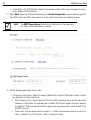
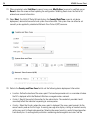
8. Select Save/Commit within each page to save the updates made to that page's configuration. Select
Next to proceed to the next page listed in the Navigation Panel. Select Back to revert to the previous
screen in the Navigation Panel without saving your updates.
NOTE
While you can navigate to any page in the navigation panel, you cannot
complete the Initial AP Setup Wizard until each task in the Navigation
Panel has a green checkmark.
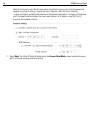
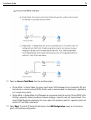
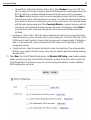
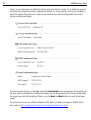
9. Select Next. The Initial AP Setup Wizard displays the Access Point Type screen to define the access
point's Standalone versus Virtual Controller AP functionality and the way the access point is adopted to a
controller.