1
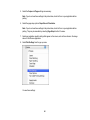
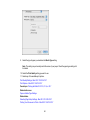
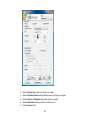
Changing Default Scan Button Settings
Parent topic: Starting a Scan
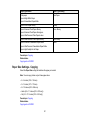
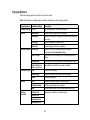
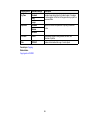
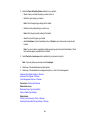
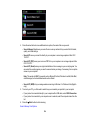
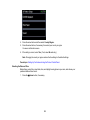
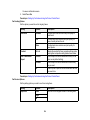
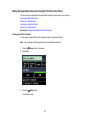
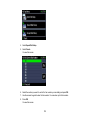
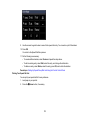
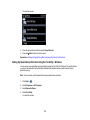
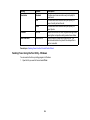
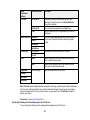
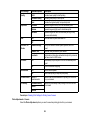
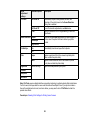
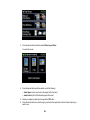
Scan to Memory Card Options
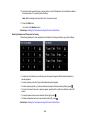
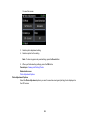
Select the Scan to Memory Card options you want to use.
Scan to Memory Card
setting
Available options
Description
Format
JPEG
JPEG: for photos
PDF
PDF: for documents
Letter
Selects the page size for documents
or special settings for photos.
Scan Area
A4
Auto Cropping: for photos with
dark edges
Legal
Auto Cropping
Max Area: for most photos
Max Area
Document
Text
Photograph
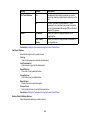
Quality
Binding Direction
Selects the type of original you are
scanning
Standard
Standard: for documents
Best
Best: for photos
Portrait, Left Edge
Controls the orientation of PDF
documents. The Top and Left Edge
settings do not apply to scanning.
Portrait, Top Edge
Landscape, Top Edge
Landscape, Left Edge
Parent topic: Starting a Scan Using the Product Control Panel
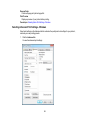
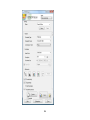
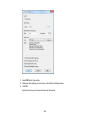
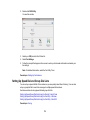
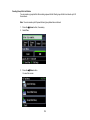
Changing Default Scan Button Settings
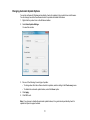
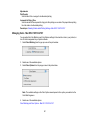
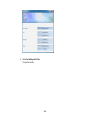
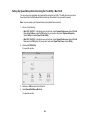
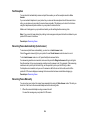
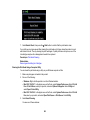
You can view or change the default scan settings your product uses when you scan using the product
buttons. You do this using the Event Manager program.
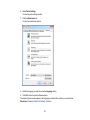
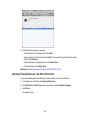
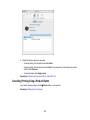
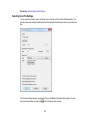
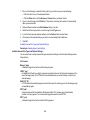
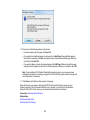
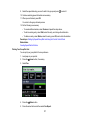
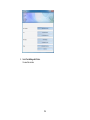
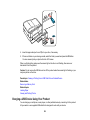
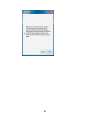
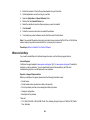
1. Do one of the following to open Event Manager:
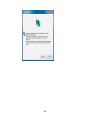
• Windows: Click
or Start > All Programs or Programs > Epson Software > Event Manager.
105