1
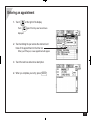
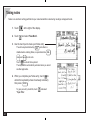
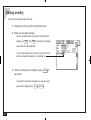
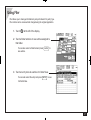
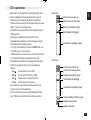
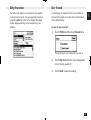
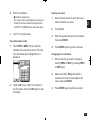
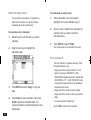
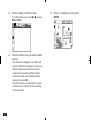
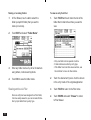
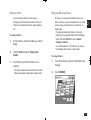
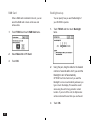
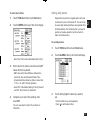
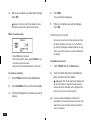
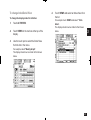
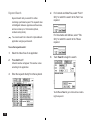
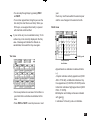
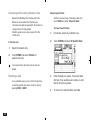
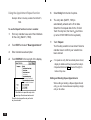
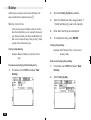
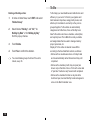
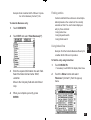
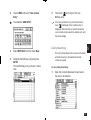
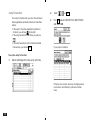
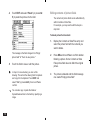
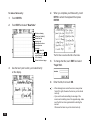
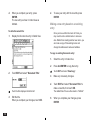
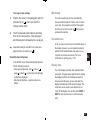
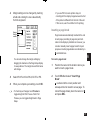
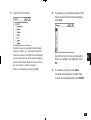
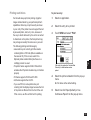
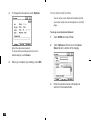
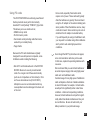
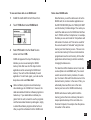
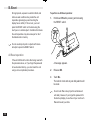
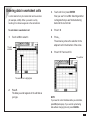
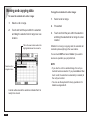
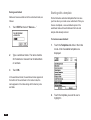
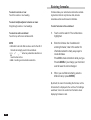
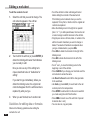
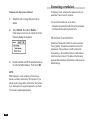
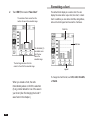
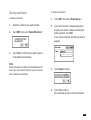
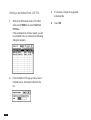
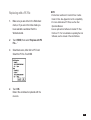
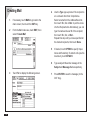
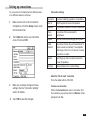
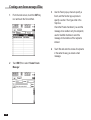
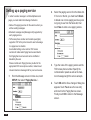
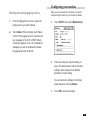
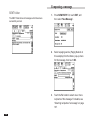
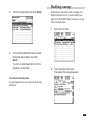
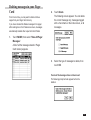
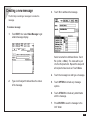
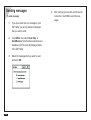
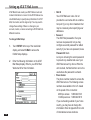
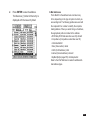
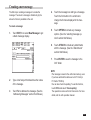
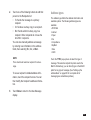
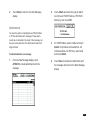
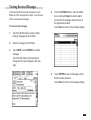
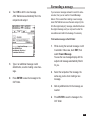
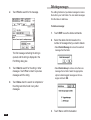
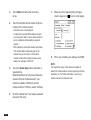
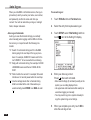
To edit a topic:
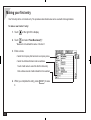
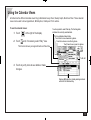
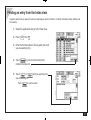
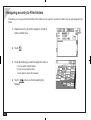
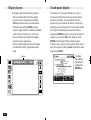
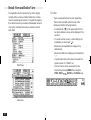
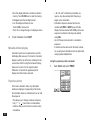
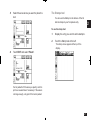
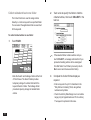
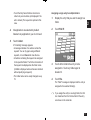
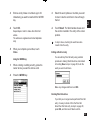
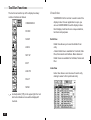
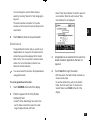
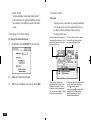
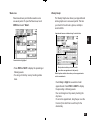
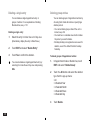
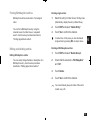
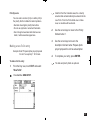
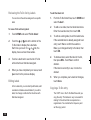
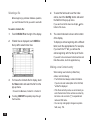
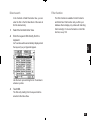
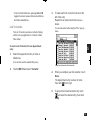
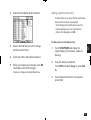
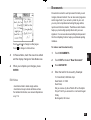
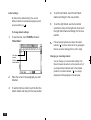
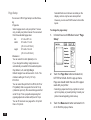
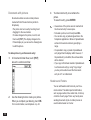
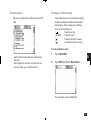
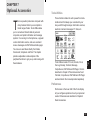
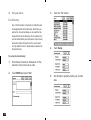
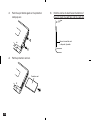
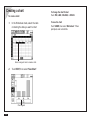
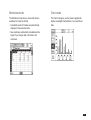
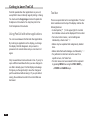
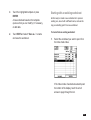
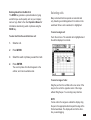
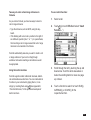
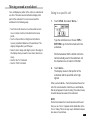
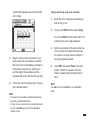
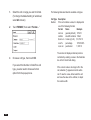
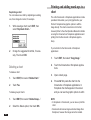
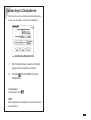
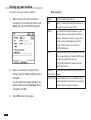
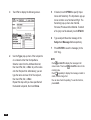
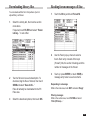
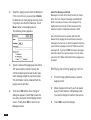
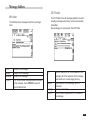
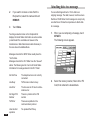
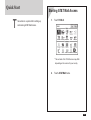
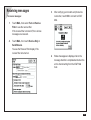
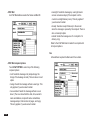
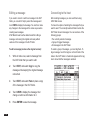
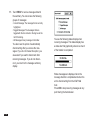
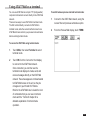
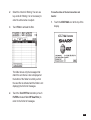
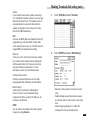
To display Full Topics:
1.
Display the outline in Detail View.
1.
Display the outline in Detail View.
2.
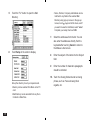
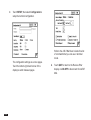
Touch SHOW and select "Full Topics".
2.
Press and
to edit.
All subsequent lines of all topics are displayed.
Use the scroll bar to see topics off the display.
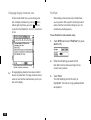
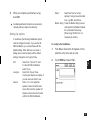
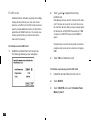
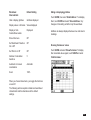
Changing the Show settings for an outline does
not affect other outlines. However, a new Outlines
entry will use the last settings selected.
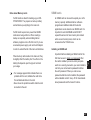
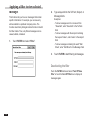
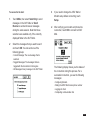
to move to the topic you want
You can only edit one topic at a time.
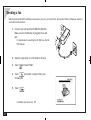
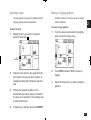
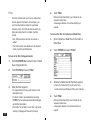
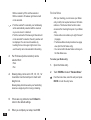
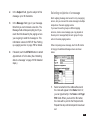
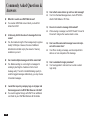
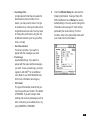
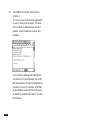
3.
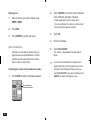
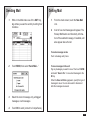
Press
to edit the topic.
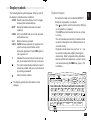
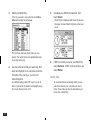
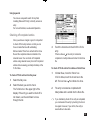
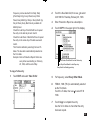
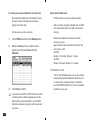
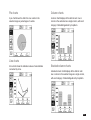
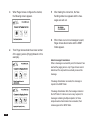
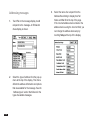
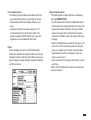
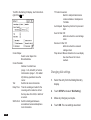
When in 1 Line Topics view, hidden lines will be
displayed. If the topic goes off the bottom of the
screen, a scroll button appears on the scroll bar.
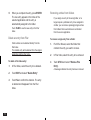
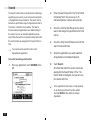
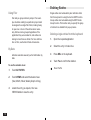
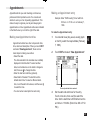
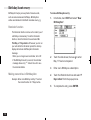
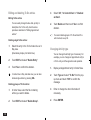
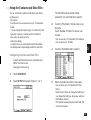
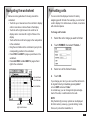
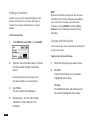
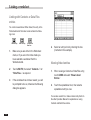
Revising outlines
Once an outline has been created, it is easy to
revise either the topic text or the outline structure
itself.
• Topics and subtopics can be revised individually.
• Restructuring is carried out in Detail View.
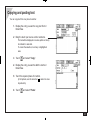
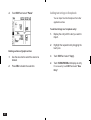
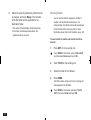
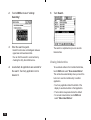
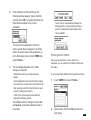
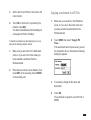
4.
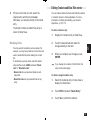
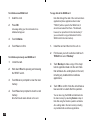
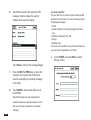
Enter your changes directly from the
keyboard.
5.
When you complete your changes, press
ENTER.
6
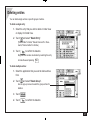
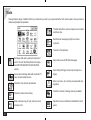
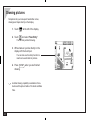
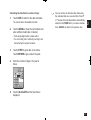
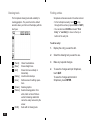
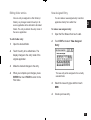
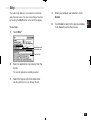
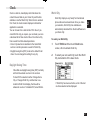
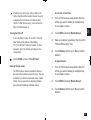
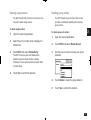
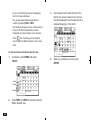
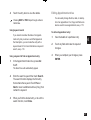
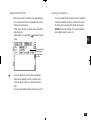
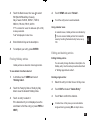
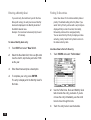
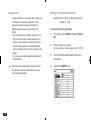
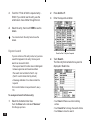
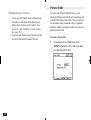
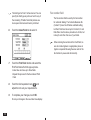
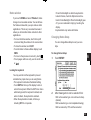
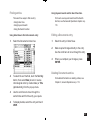
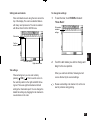
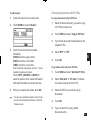
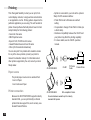
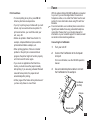
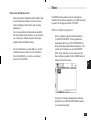
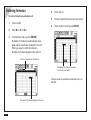
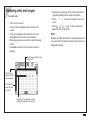
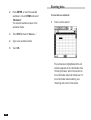
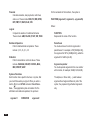
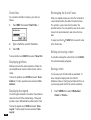
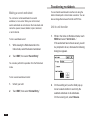
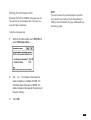
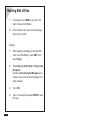
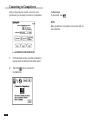
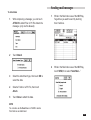
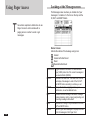
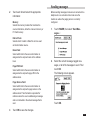
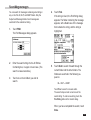
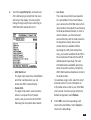
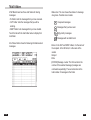
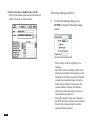
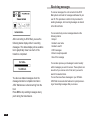
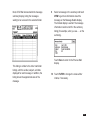
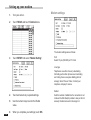
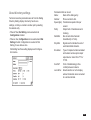
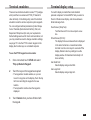
Selecting topics
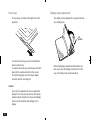
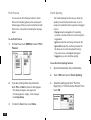
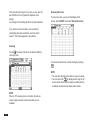
Touch a topic to select it. A flashing diamond
indicates the currently selected topic. You can also
move between topics using the cursor keys.
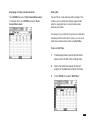
• Press
to move directly to the last topic.
• Press
to move directly to the first topic (i.e.
title).
185