1
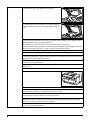
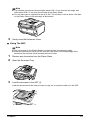
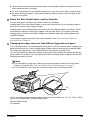
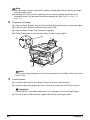
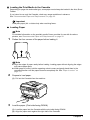
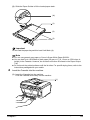
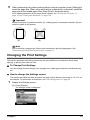
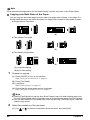
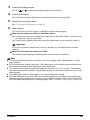
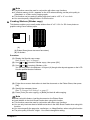
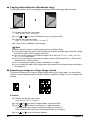
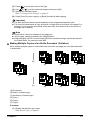
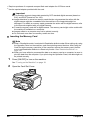
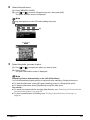
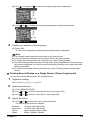
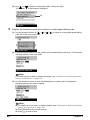
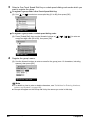
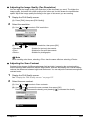
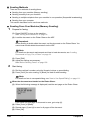
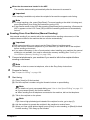
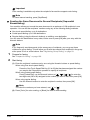
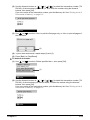
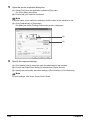
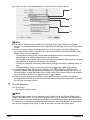
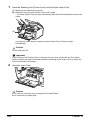
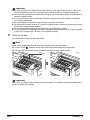
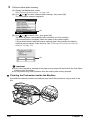
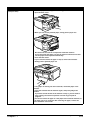
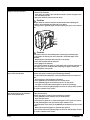
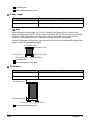
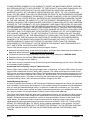
(3) Slide the Paper Guides to fit the loaded paper stack.
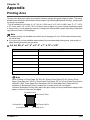
(A)
(1)
(2)
(3)
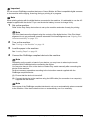
Important
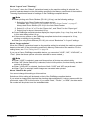
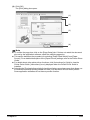
Do not load the paper beyond this Load Limit Mark (A).
Note
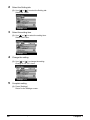
z You can use general copy paper or Canon’s Super White Paper SW-201.
z You can load up to 150 sheets of plain paper (64 gsm or 17 lb, 13 mm or 0.52 inches in
height) in the Cassette. However, do not stack more than 50 sheets in the Paper Output
Tray.
z Do not touch the printed surfaces until the ink dries. For specific drying times, refer to the
instructions packaged with your media.
4
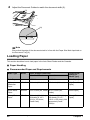
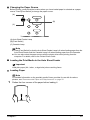
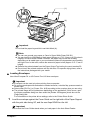
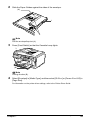
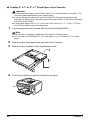
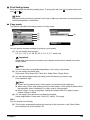
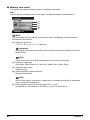
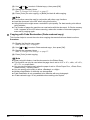
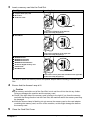
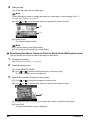
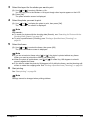
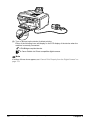
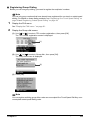
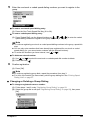
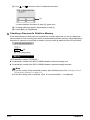
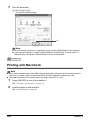
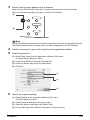
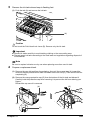
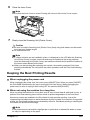
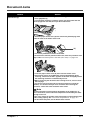
Insert the Cassette into the machine.
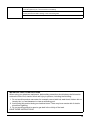
(1) Insert the Cassette into the machine.
Push the Cassette all the way into the machine.
(1)
Chapter 1
Before Printing
33