1
92
Shooting Using the Mode Dial
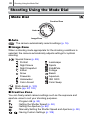
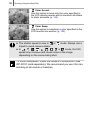
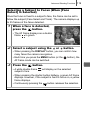
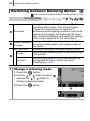
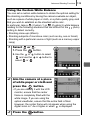
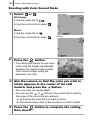
Color Accent
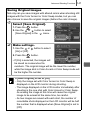
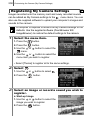
Use this option to have only the color specified in
the LCD monitor remain and to transform all others
to black and white (p. 144).
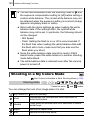
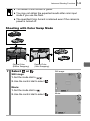
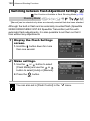
Color Swap
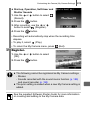
Use this option to transform a color specified in the
LCD monitor into another (p. 145).
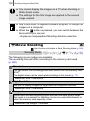
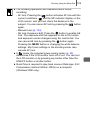
z The shutter speed is slow in
or
mode. Always use a
tripod to avoid camera shake.
z In
,
,
,
,
,
,
,
or
mode, the ISO
speed may increase and cause noise in the image
depending on the scene being shot.
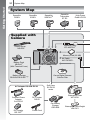
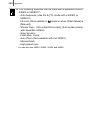
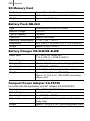
To shoot underwater, install the camera in Waterproof Case
WP-DC21 (sold separately). We recommend you use it for rain,
shooting at ski resorts or beaches.