1
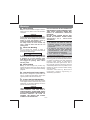
General Operations
1
2
3
SOURCESETUP
4
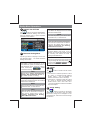
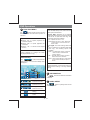
Under the SOURCE menu, the below options
are available for selection:
NOTE
Please note not all the Optional Source /
feature is available with each unit.
P3
94.70
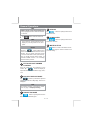
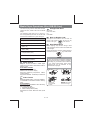
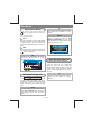
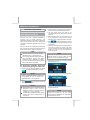
POWER OFF
Tap
button to power off the unit, and
the below display will be shown on TFT:
5 6
7 8
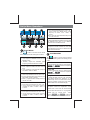
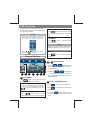
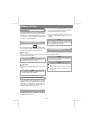
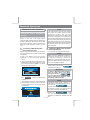
1 HOME MENU
See You
Tap
button on the display enter into the
Home Menu, and there have SETUP,
SOURCE,OFF options for selection.
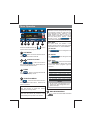
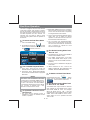
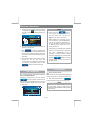
2 MOTION PICTURES DISPLAY
MODE
The units have 4 different types of motion
SETUP SETUP
pictures that can be displayed
on
under playback Mode. Tap
button on
TFT
display to repeatedly can switch between the
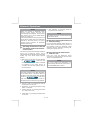
Under the SETUP menu, the below options
are available for selection:
4 difference modes.
Tap
button is Clock & Date diaplay
mode
E-9
Tap
mode
button is Virtual Aqua display
Tap
button is DEMO mode